Planet Word
Educational Technology + Speech Detection + iOS Deployment
A voice-activated museum where interactive galleries bring language to life
Overview
At Local Projects, I worked on numerous galleries inside of Planet Word, the first voice-activated museum of words and language. Experiences in the museum range from a conversational experience with language ambassadors from around the world, to an etymology lesson aided by a giant projection-mapped sculpture, to a karaoke-style experience where visitors can recreate a famous speech.
In total, I worked on six of the exhibits in the museum, in particular owning most of the iOS development and deployment. Below are the five exhibits I contributed to the most.
The Spoken World
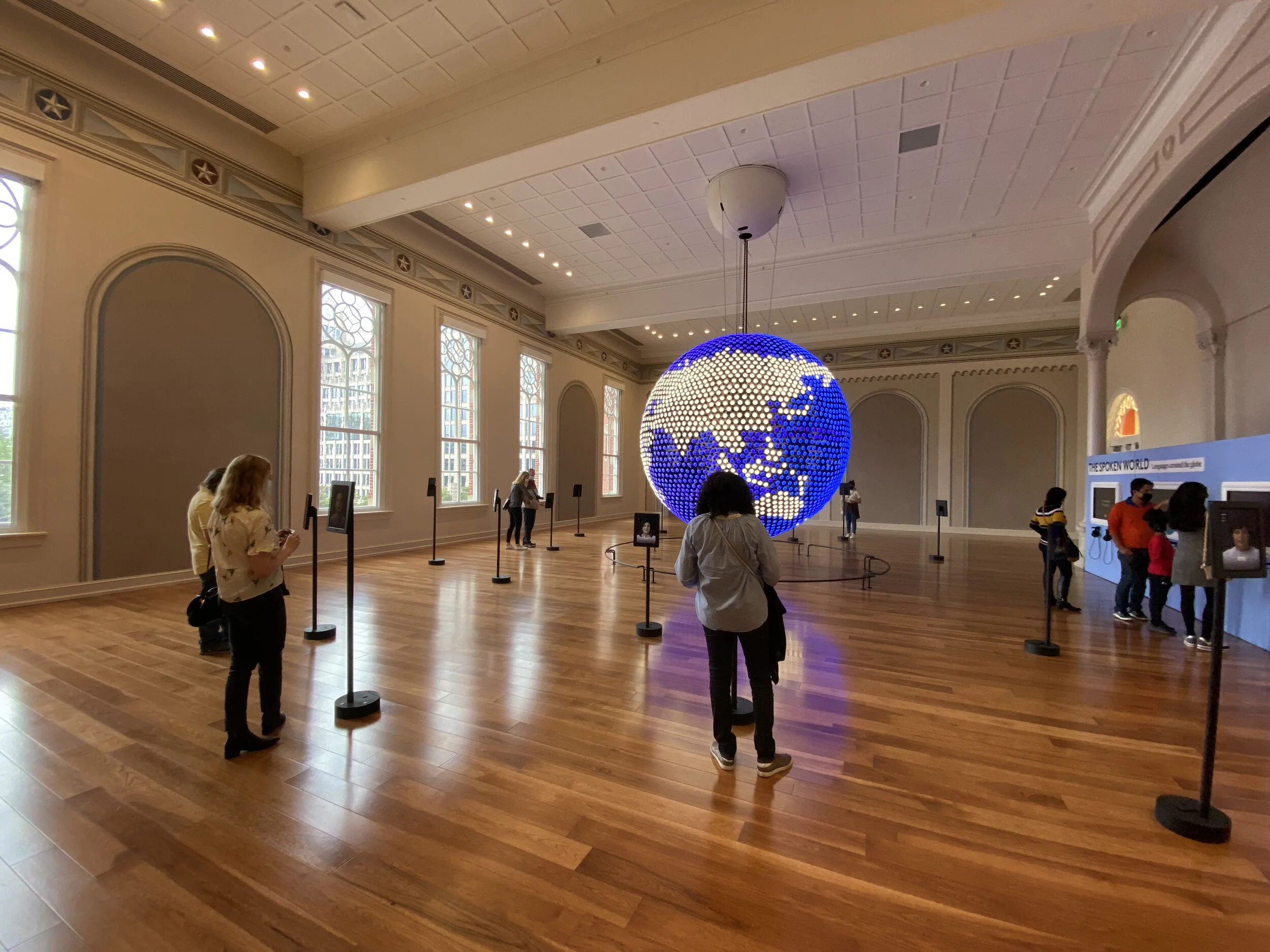
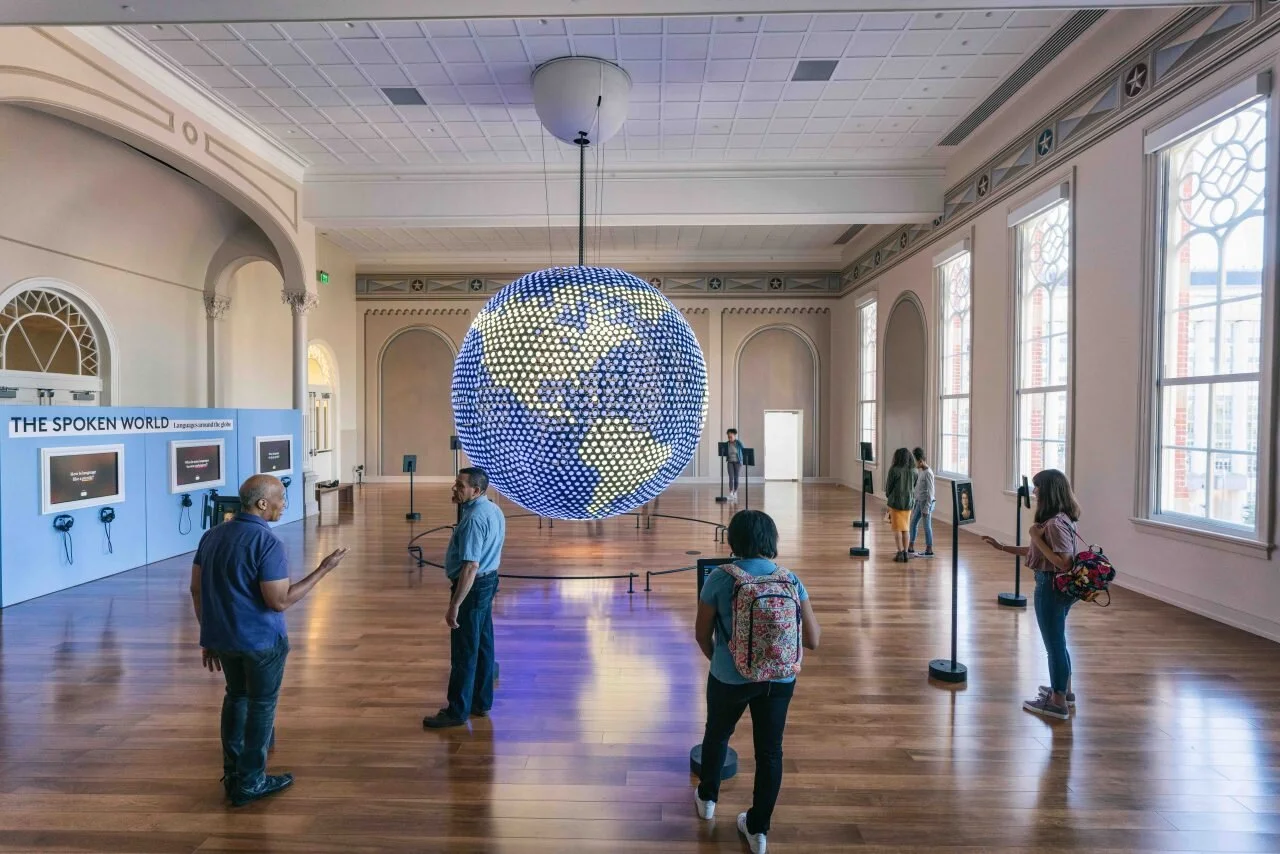
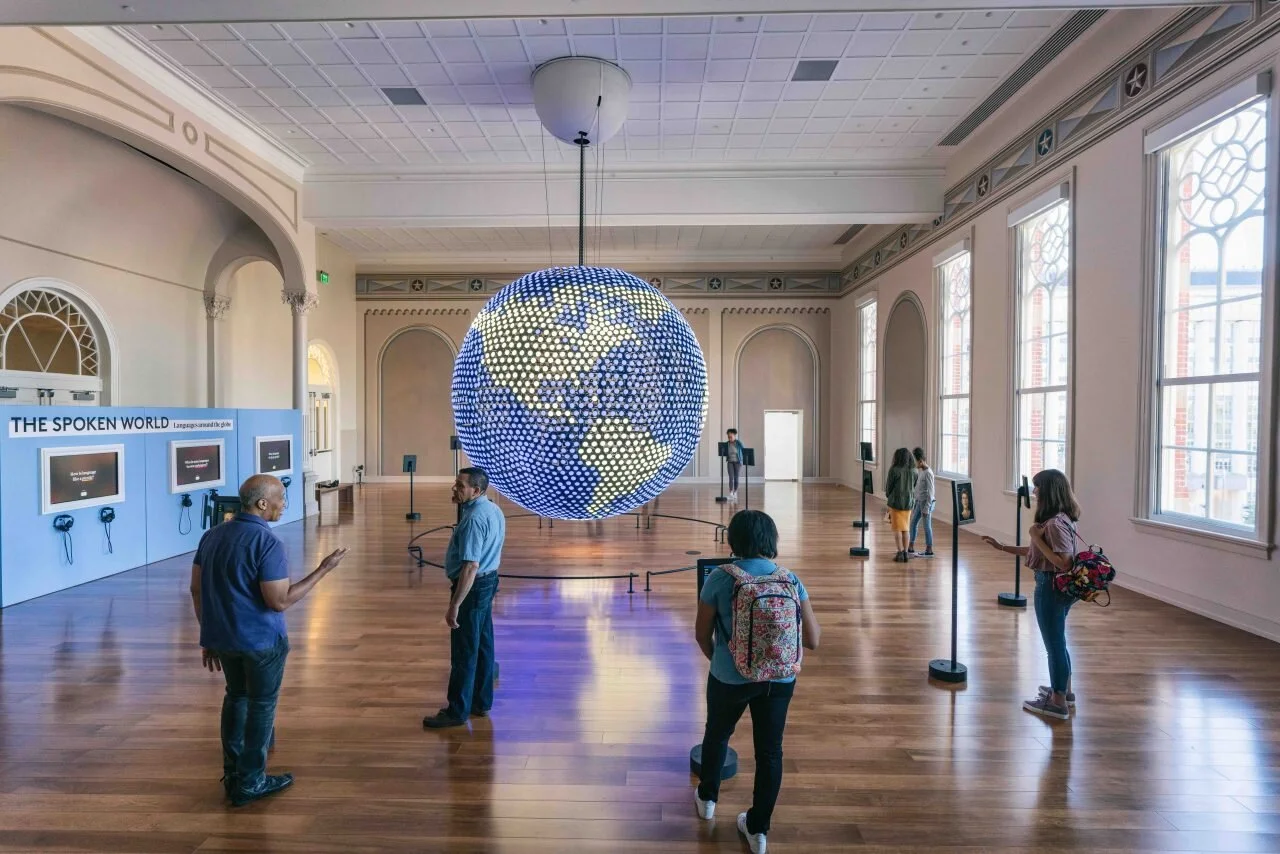
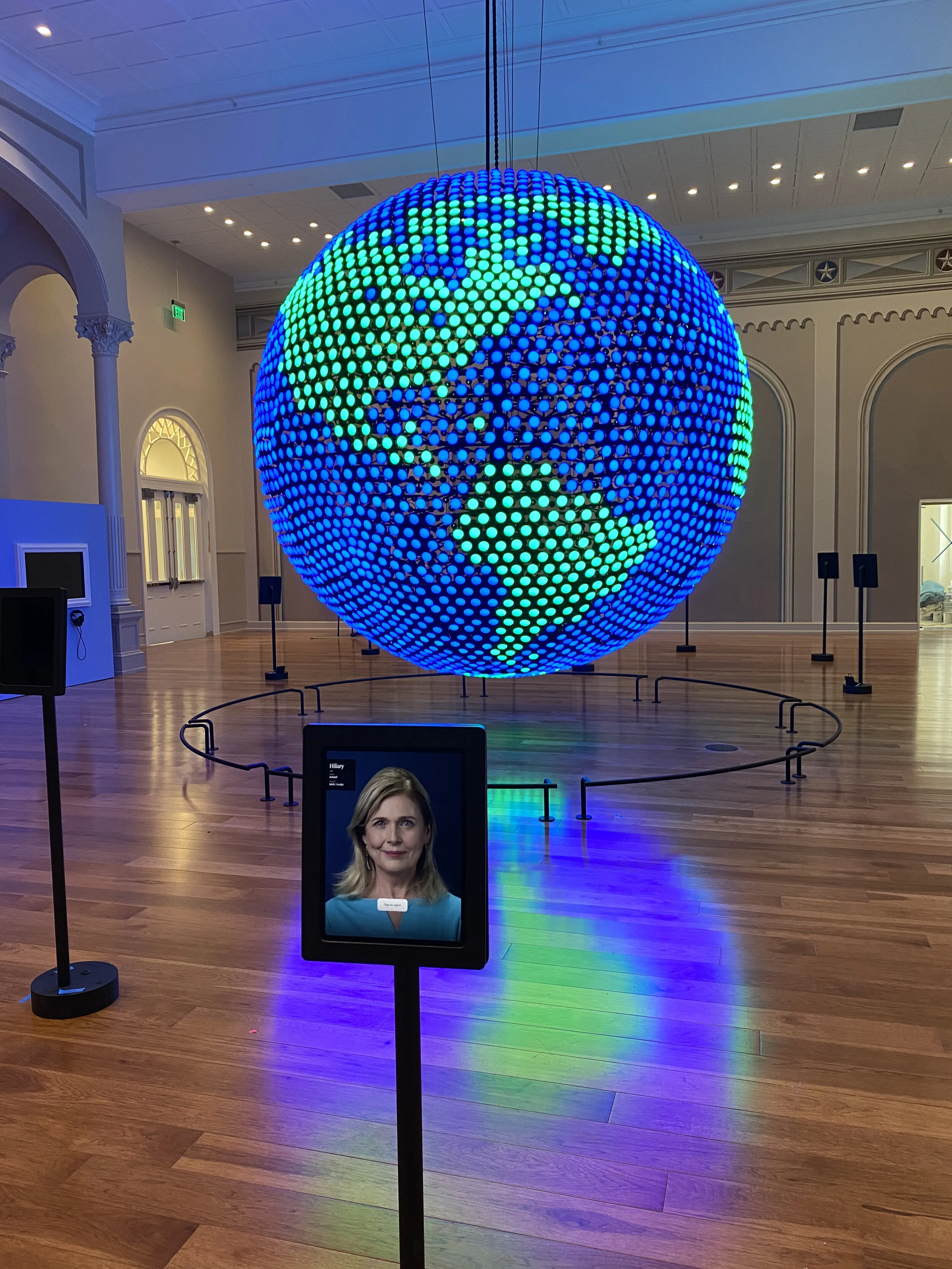
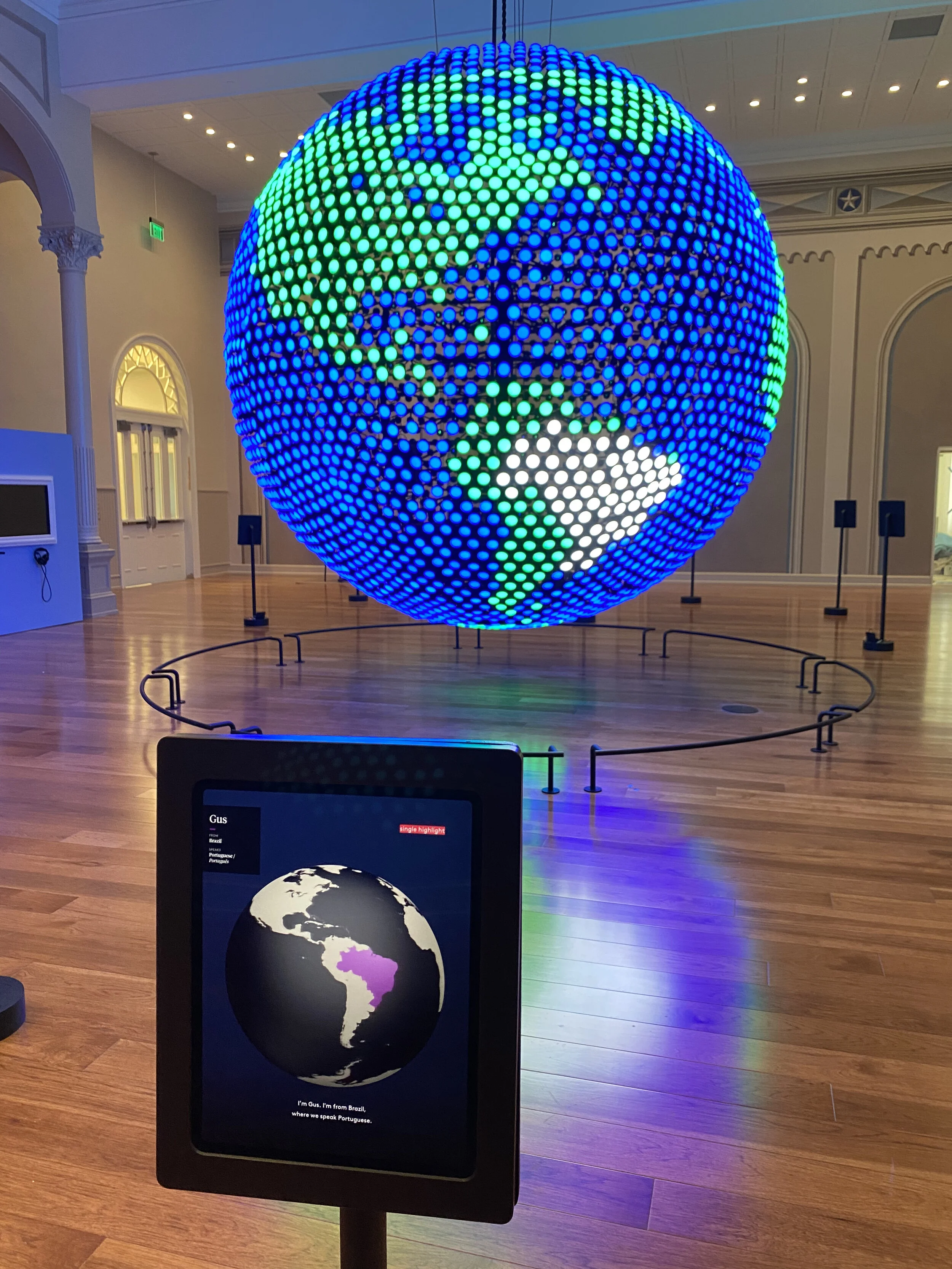
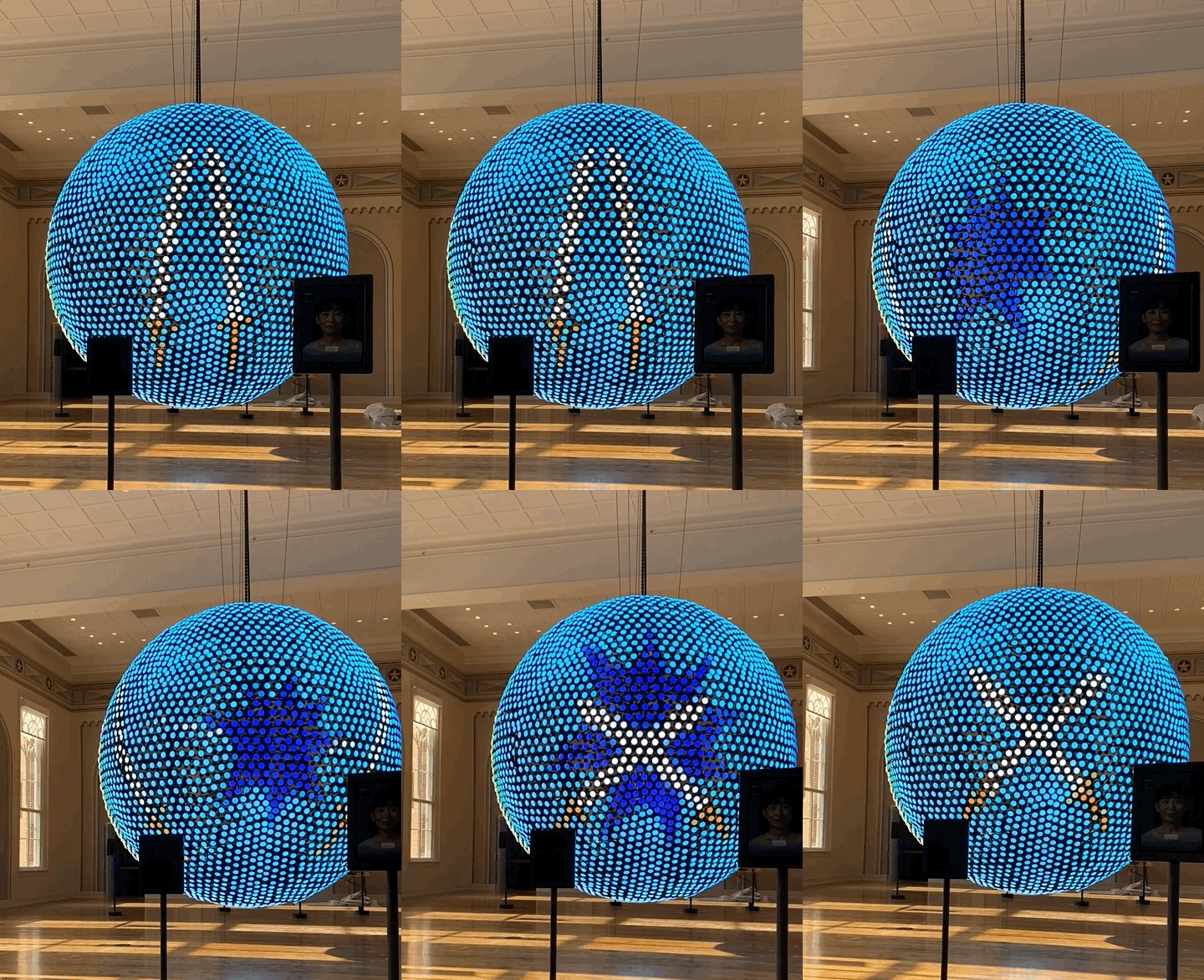
In this gallery, visitors “talk” to ambassadors speaking different languages from around the globe. Fifteen iPads, each with a selection of different ambassador language lessons, surround a giant, interactive LED globe sculpture. Throughout a lesson, the ambassador's country will be highlighted on the globe. At the end of a lesson, a spectacular animation will take over half of the globe as a reward for completion.
iPad App
The Ambassador app is an iOS app that simulates a conversational lesson between an ambassador and the visitor. A lesson comprises a series of videos, each of which ends with a verbal prompt for the visitor. For example, in the Basque lesson, the ambassador, Aitor, introduces himself and where he’s from (the Basque region of Spain). He then prompts the visitor to say “Hello” in Basque by saying “Kaixo”. Each lesson has about 5-8 of these prompts, all usually following a particular overarching theme. The final prompt triggers an animation on the globe.
The app is built in iOS using the UIKit and Speech frameworks. To get around the challenge of accurately recognizing words from 31 different languages, the Speech framework is used solely for audio processing--basically making sure that a human said something. This actually proved to be an incredibly difficult problem, as each iPad must deal with a significant amount of ambient noise and chatter. I found it easier to utilize all of the advanced processing inside of Speech instead of trying to write something (probably inferior) from scratch. It didn’t work perfectly with all languages (the app is not great at picking up clicks from the Zulu language lesson), but overall the experience mostly works and feels good. There are also graceful fallbacks for when speech isn’t recognized: users can tap to progress instead of speaking a prompt.
In addition to the visitor-facing part of the app, there is a secret admin menu that allows for downloading and ordering languages on each individual iPad. This is a critical function given both the number of iPads and the client’s desire to have flexibility in the exhibit’s composition.
Globe Sculpture
The globe sculpture is twelve feet tall and made of five thousand LED lights. Graphics and communication on the sculpture are powered by a TouchDesigner application. Specifically, we utilize SocketIO as the communication layer. Since there’s only one sculpture but 15 iPads, we had to design a communication paradigm that gave the TouchDesigner application enough information to decide how to handle potential animation collisions. In most cases animations can easily layer and play simultaneously, but in instances where two takeovers happen at the same time, we needed to balance immediate gratification vs visual fidelity (should you play two takeovers at once with potential clipping, or queue them so each plays in full?). Our eventual solution balanced both of these concerns.
Unlock the Music
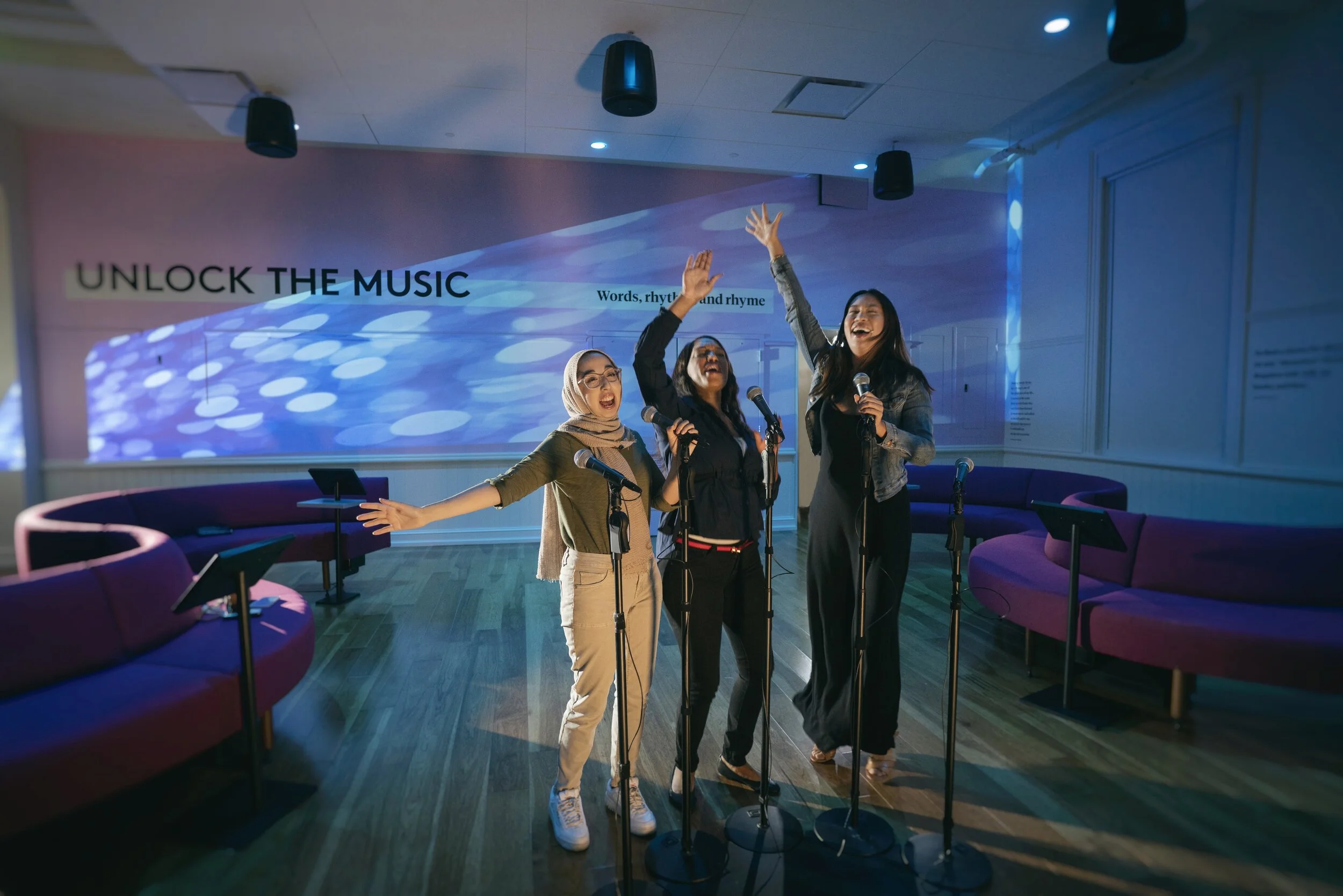
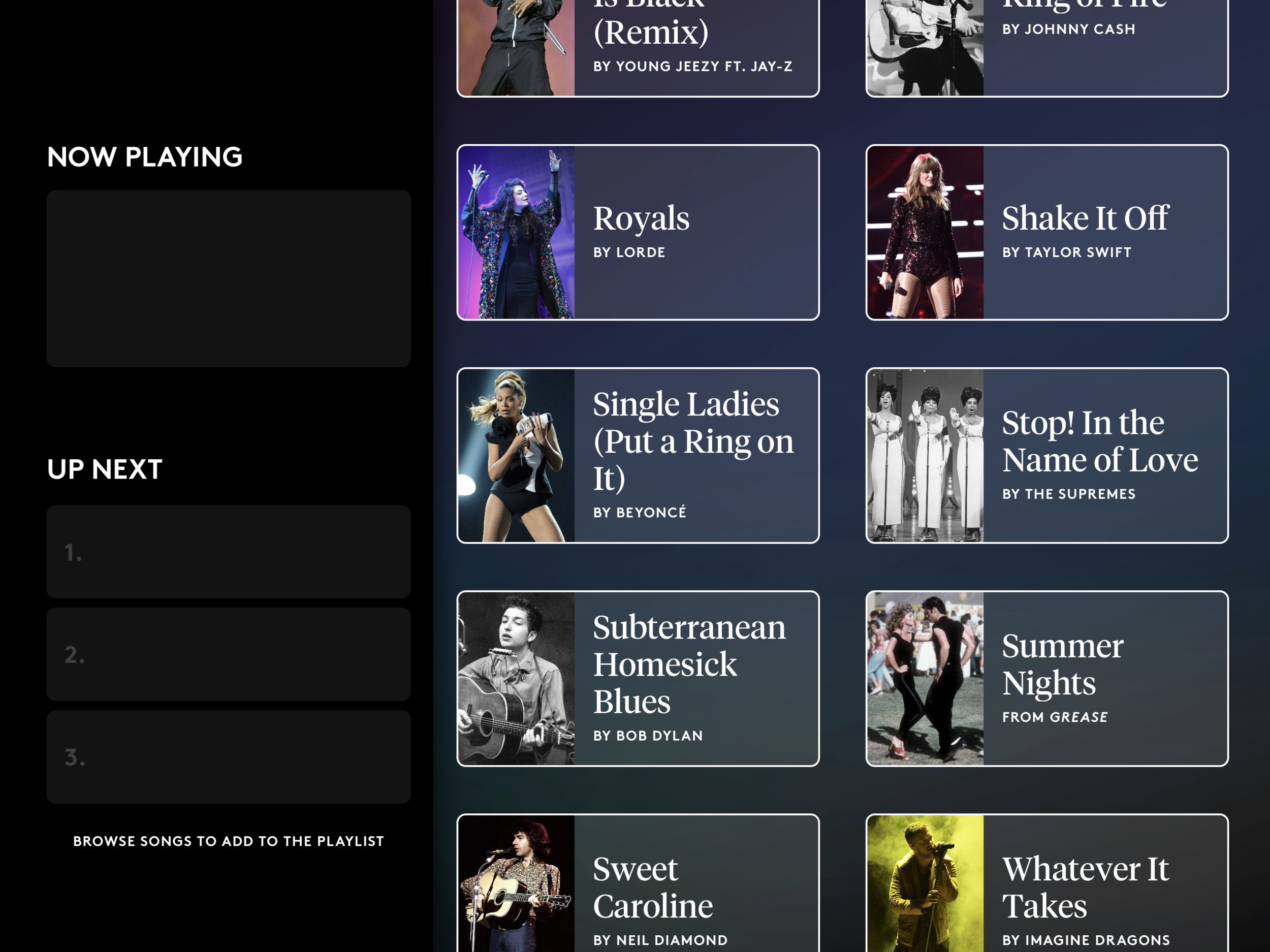
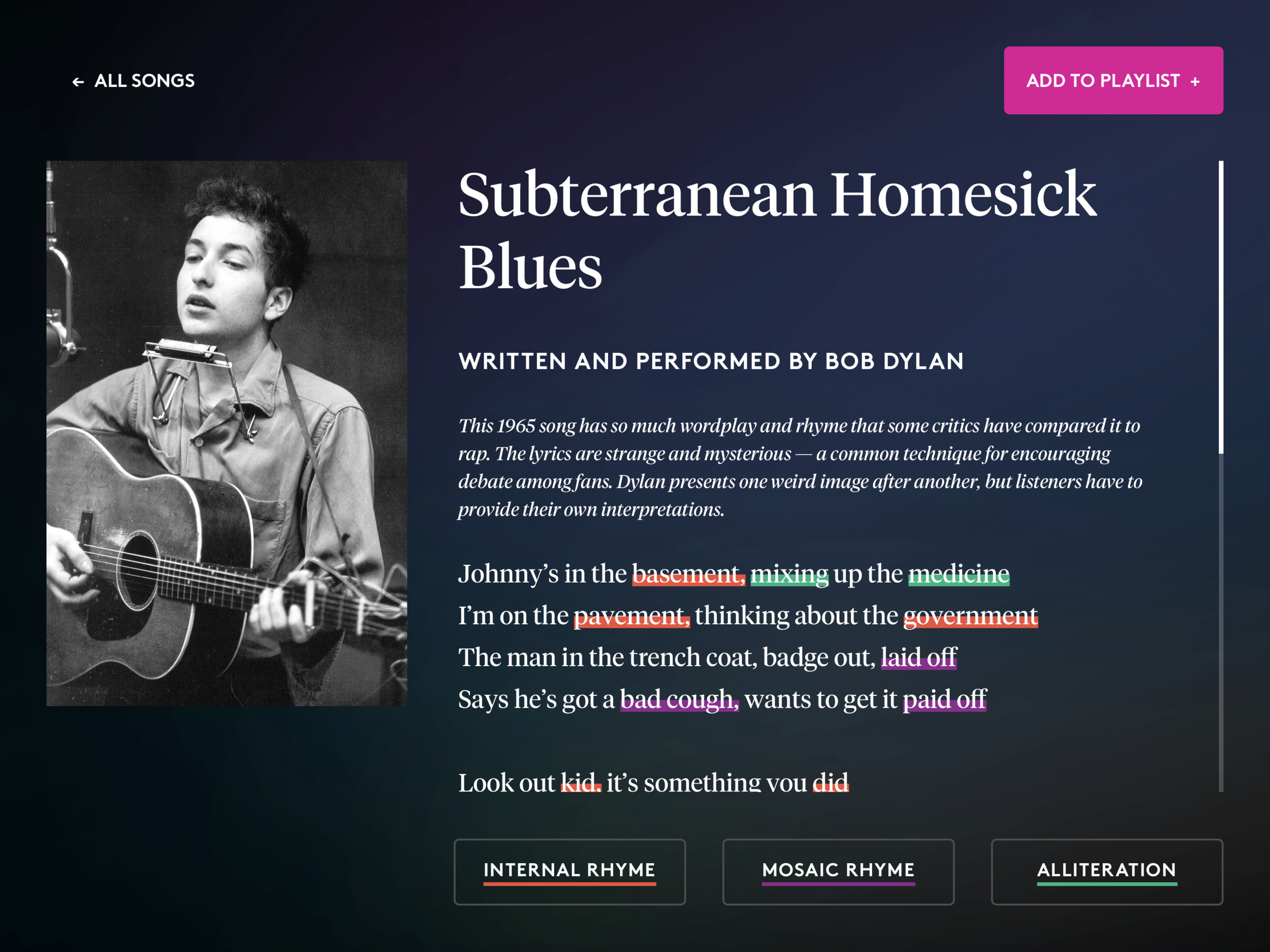
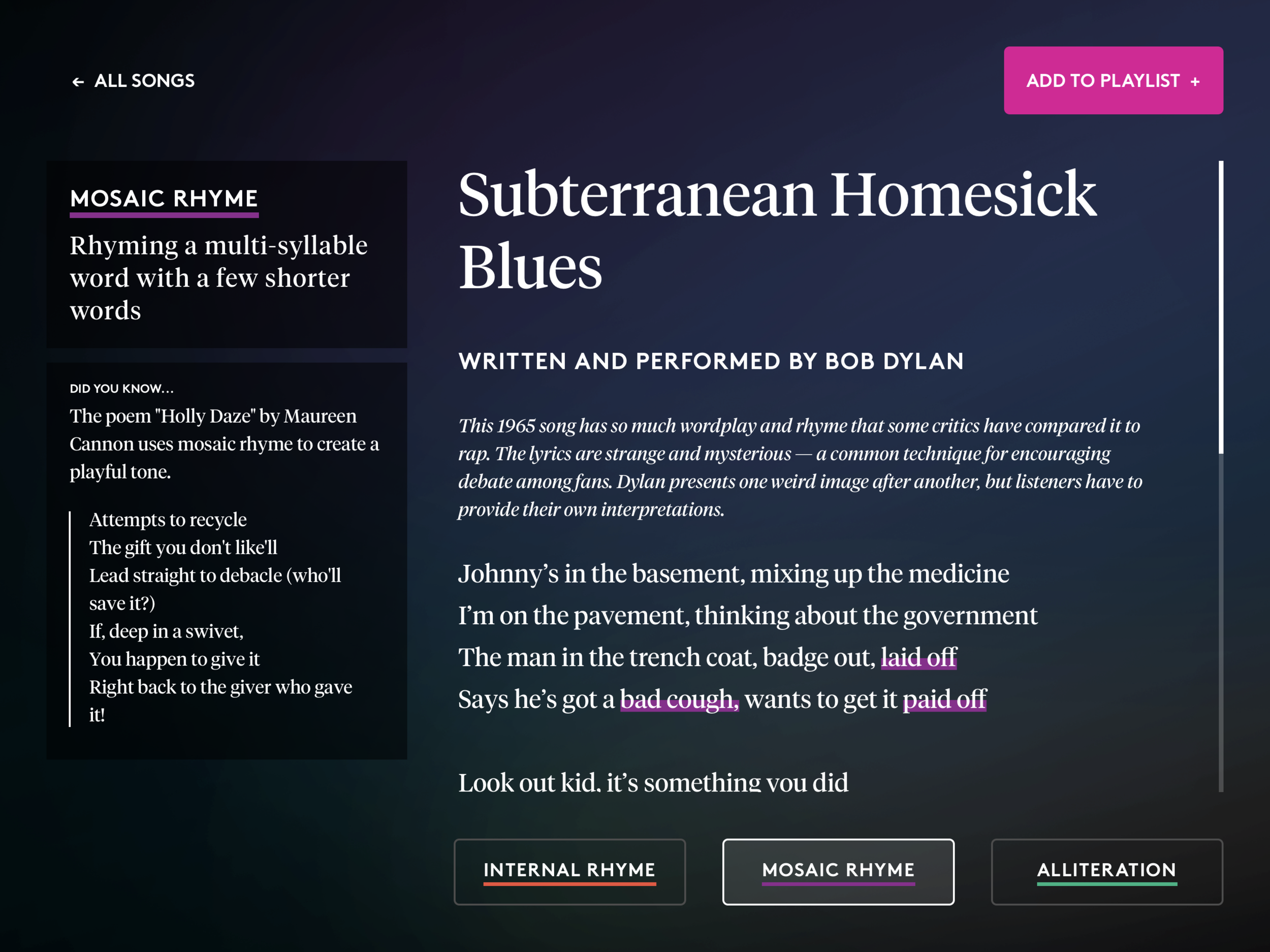
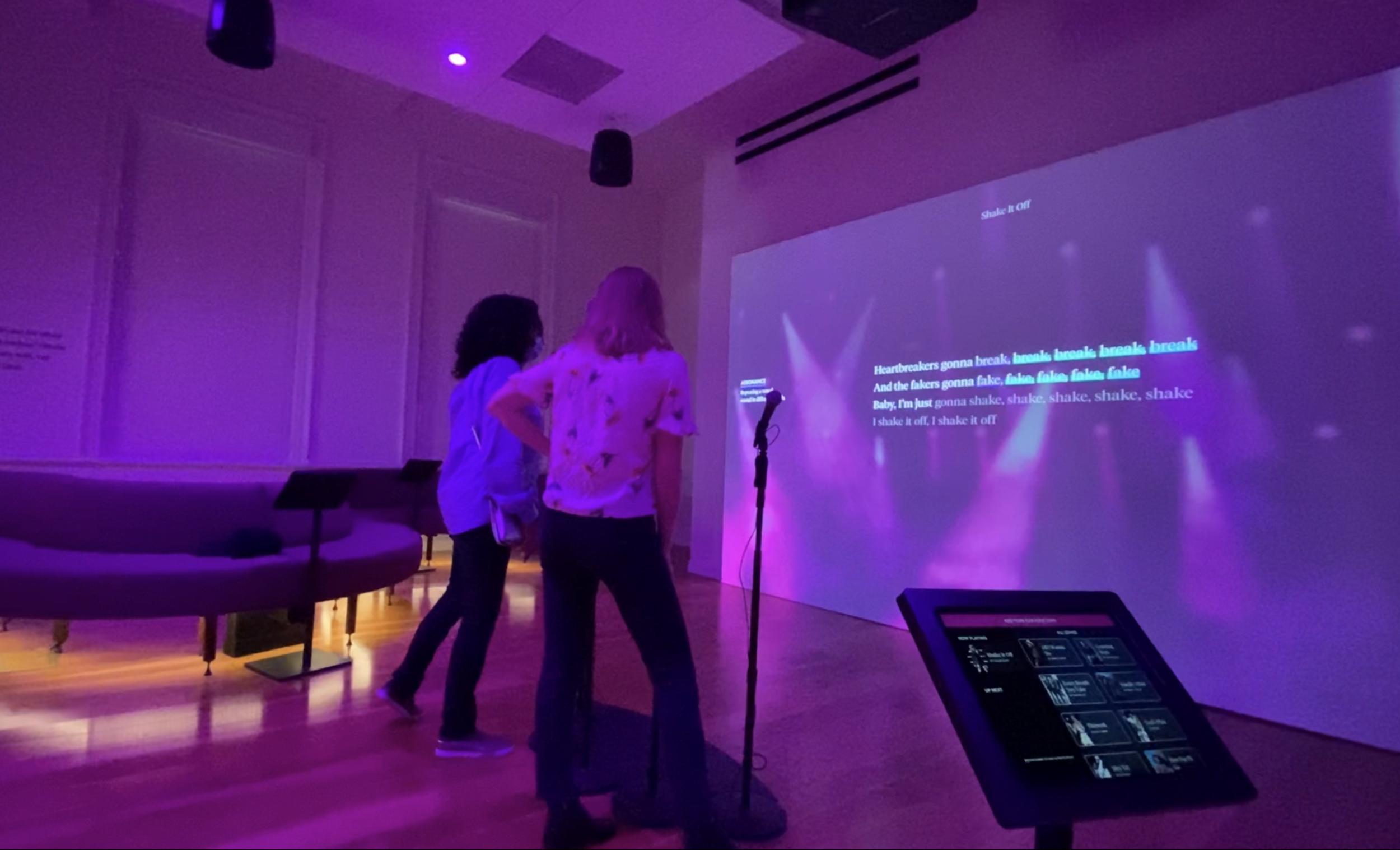
This exhibit is a traditional karaoke experience with a twist. In addition to singing along to classic songs, visitors also get to learn about the techniques utilized by songwriters while writing the song’s lyrics. Visitors can browse songs using iPads placed around the exhibit, adding songs to the room’s queue (handled via a server running Medialon) and reading annotated lyrics.
The lyrical annotation is the secret sauce of this gallery, which happens via a custom, text-highlighting interface. Content developers used this interface to annotate song lyrics in the content database with an XML-style markup language. The tags used in this markup appear as buttons in the UI. For example, the markup for a alliteration might look like:
Johnny’s in the basement, <alliteration>mixing</alliteration> up the <alliteration>medicine</alliteration>. This strategy allowed not only for a rich, interactive interface, but a flexible content management experience.
Joking Around
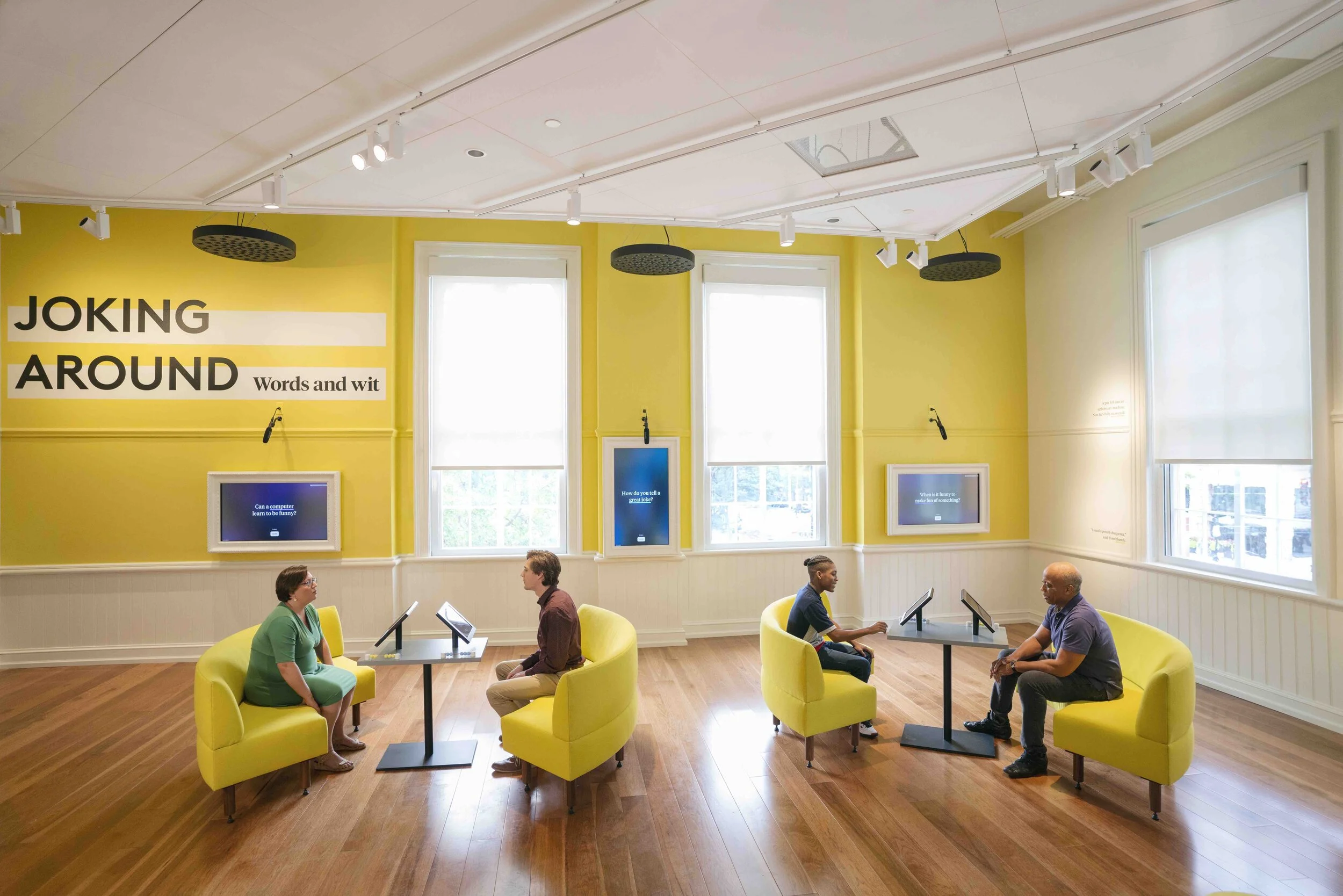
Joking Around frames joke telling into a one-on-one competition with surprisingly hilarious effect. In this exhibit, two visitors sit facing one another, each equipped with an iPad. They then take turns telling jokes on each iPad, daring the other not to laugh. If the joke recipient laughs, the joke teller gets a point. If not, the recipient gets a point. The iPads keep track of this state until a winner is reached...but you can still keep playing after.
This exhibit is simple in concept but elegant in execution. Keeping with the call-and-response nature of the jokes, the interface presents everything in the form of iMessage-style speech bubbles. These animations are both delightful and subtly remind the visitors that timing is an important element of joke telling.


Lend Me Your Ears
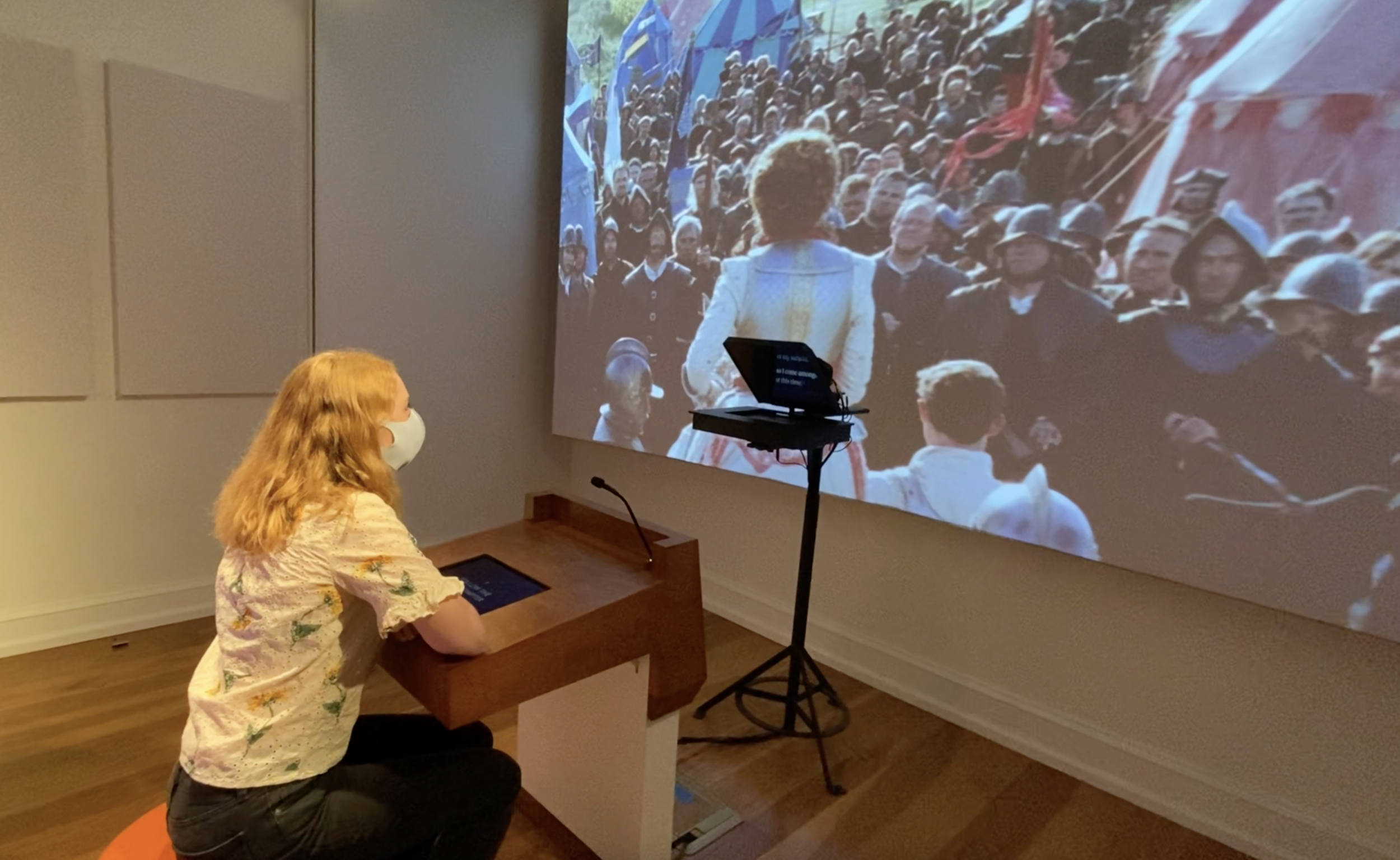
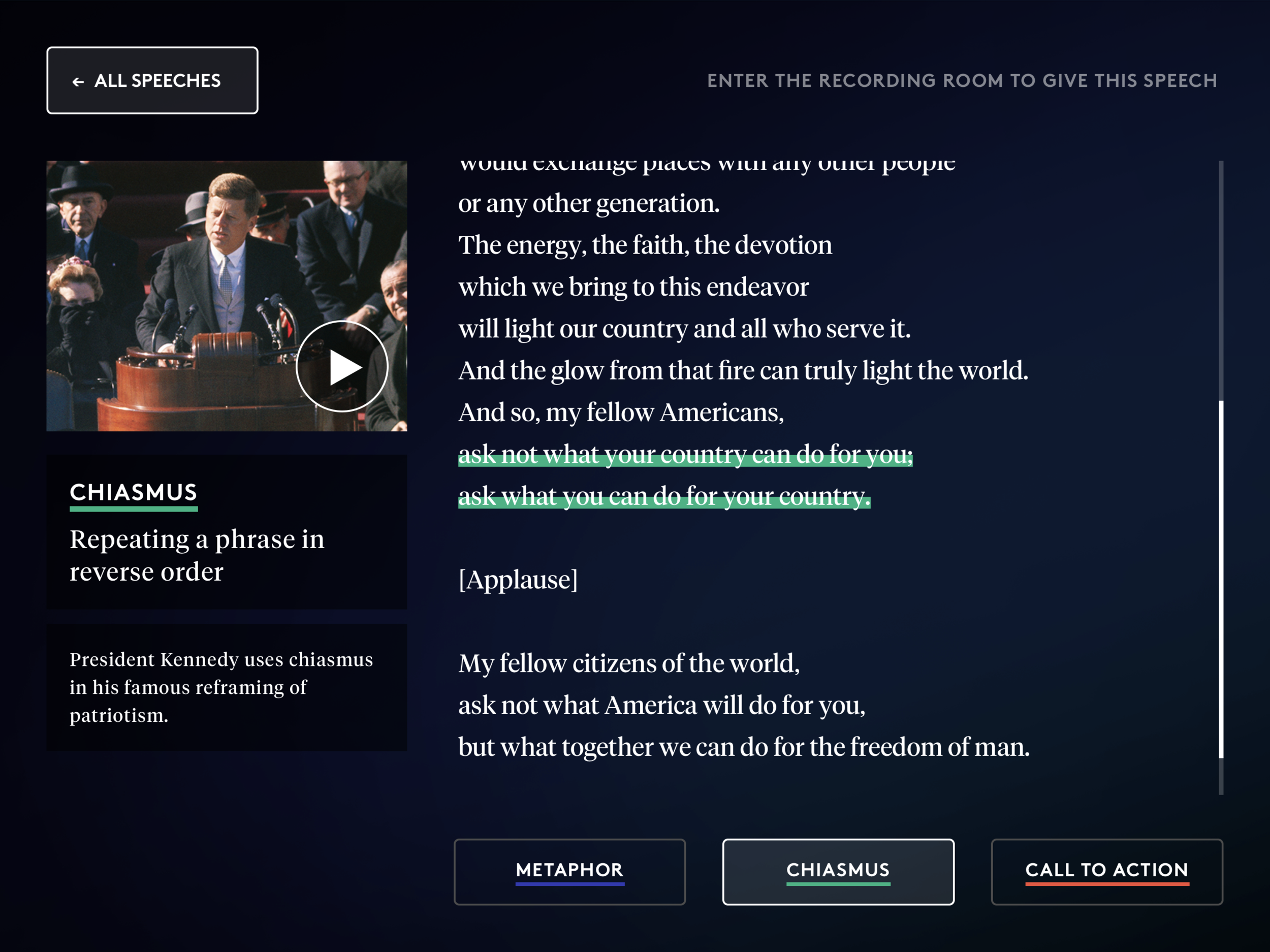
Another karaoke-style experience, but this time with famous speeches, both real and fictional. This exhibit has two parts, a pre-speech section where you can browse speeches and learn about language techniques with a similar interface as in Unlock the Music, and the main section where you give a speech while following a teleprompter in front of a simulated audience.
Speech Browsing
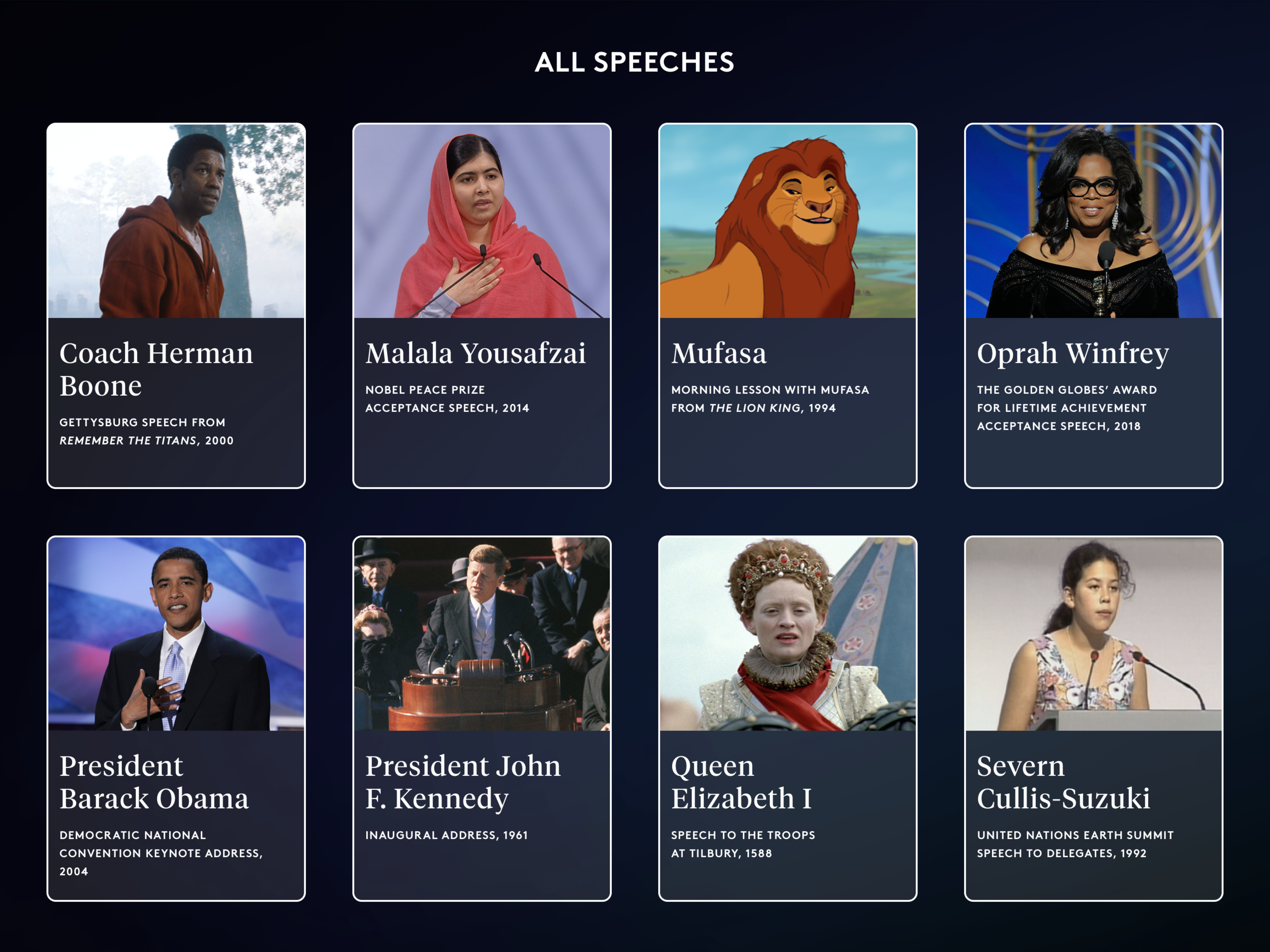
This app is very similar to the Unlock the Music app and uses many of the same interface elements. In addition to browsing speech content, users can watch a video of each speech to get a sense of delivery before they go into the teleprompter room.
Speech Teleprompter
The main event, meant to simulate the experience of giving a speech before a crowd. There are three screens in front of you: an iPad used for selecting a speech and eventually entering your email, a teleprompter for the speech text, and a giant projection that plays both a preview video and an image for the “crowd”. Visitors have the option to send themselves a recording of their speech performance as a souvenir.
Words Matter
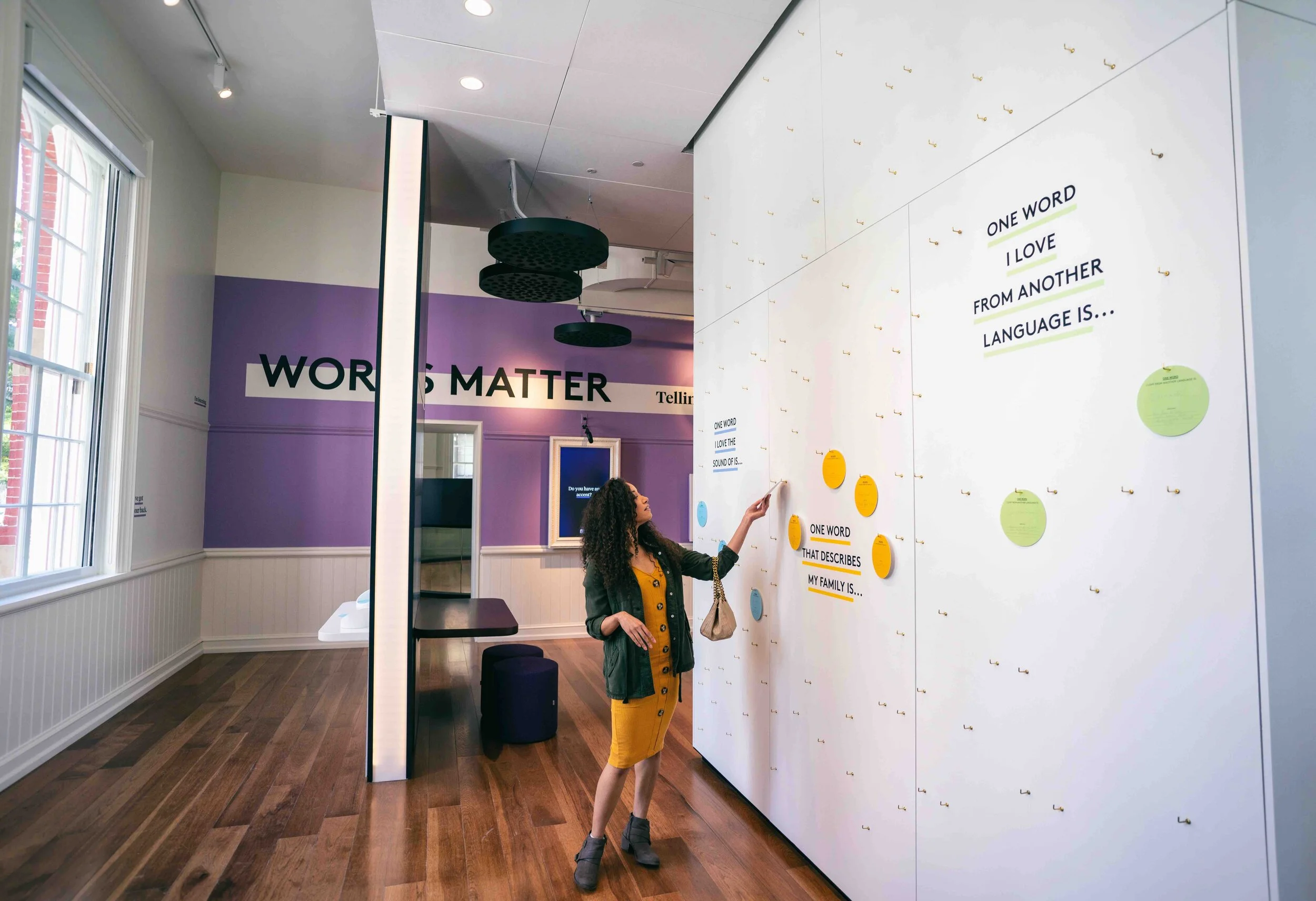
This exhibit is situated within a larger gallery, in which individuals from different walks of life tell stories about what words mean to them. Examples include a coach explaining the significance of an encouraging nickname, to a transgender person explaining the importance of their pronouns. After hearing these sorts of stories in the outer gallery, visitors can step into the Words Matter recording booth to tell a story of their own.
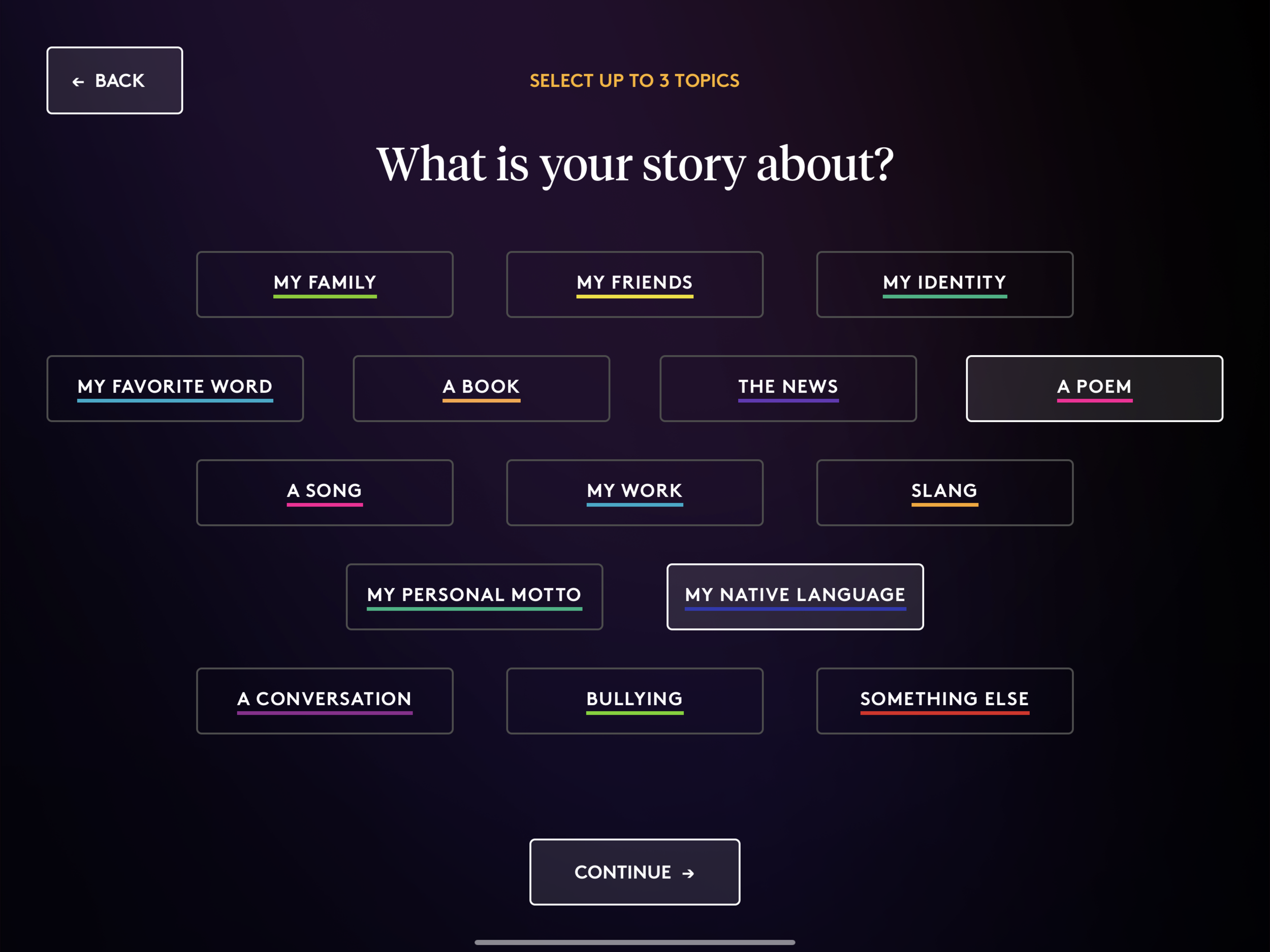
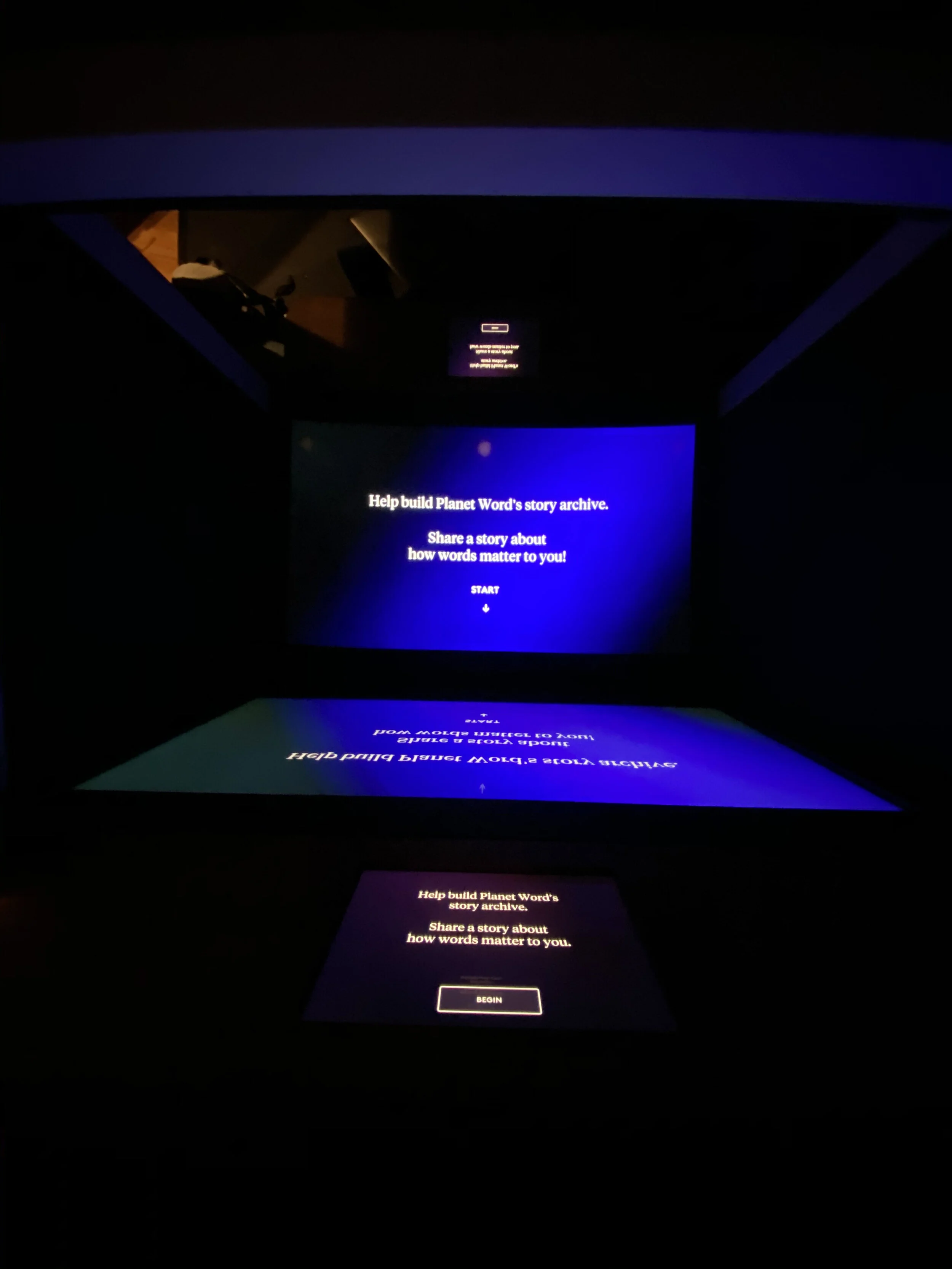
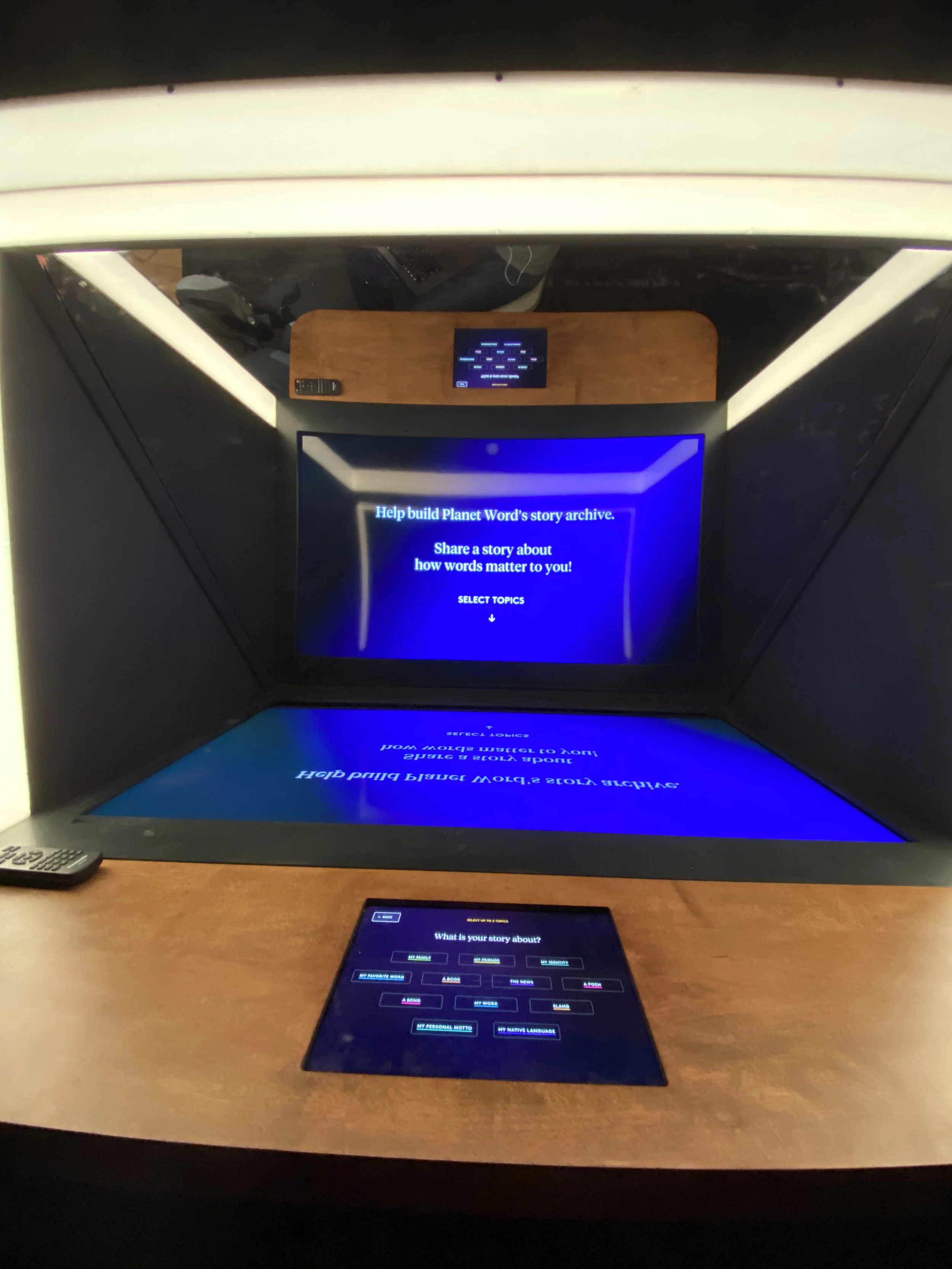
The recording booth itself is intimate and soundproof. The UI is split between an iPad for prompt selection and a giant display hidden behind a reflective finish, so the visitor sees themself before they tell their story. Similar to Lend Me Your Ears, visitors have the option of sending themselves a recording of the story and/or sending their recording to Planet Word to be included in a compendium.