ABB Experience Centers
Augmented Reality + Client Content + 3D Printed Sculptures
A suite of interactive experiences showcasing a technology leader’s offerings.
Overview
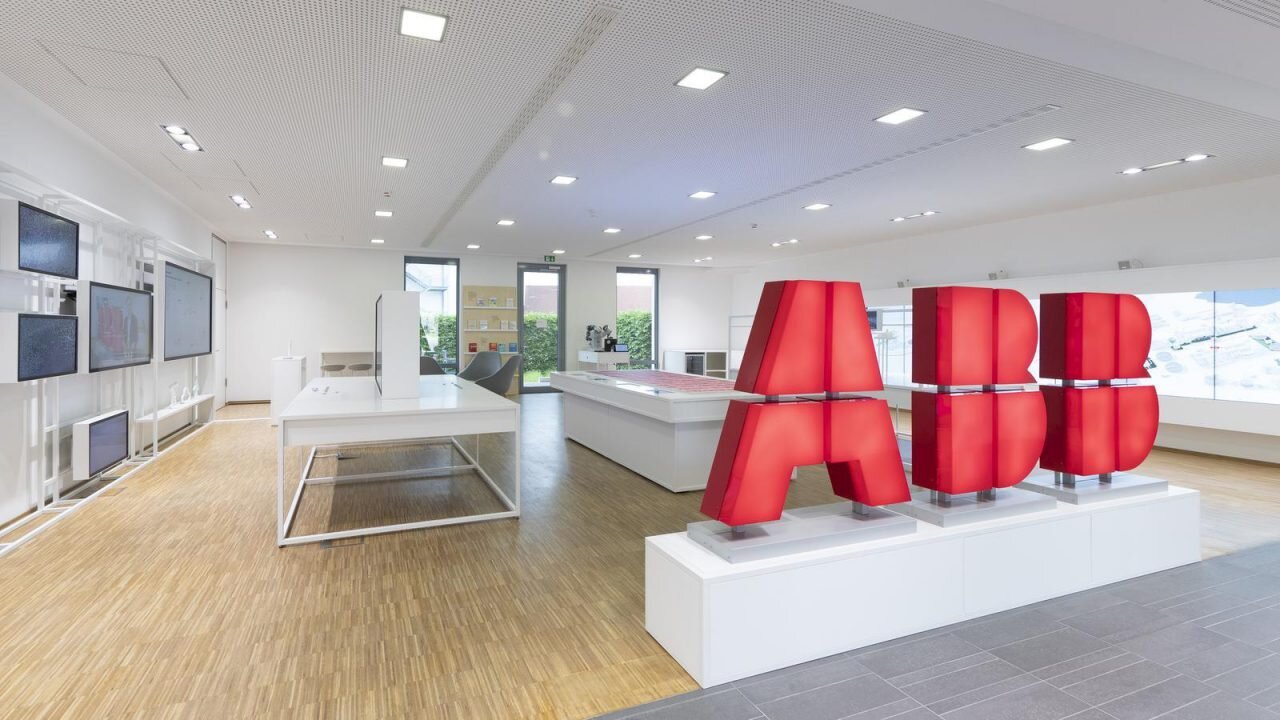
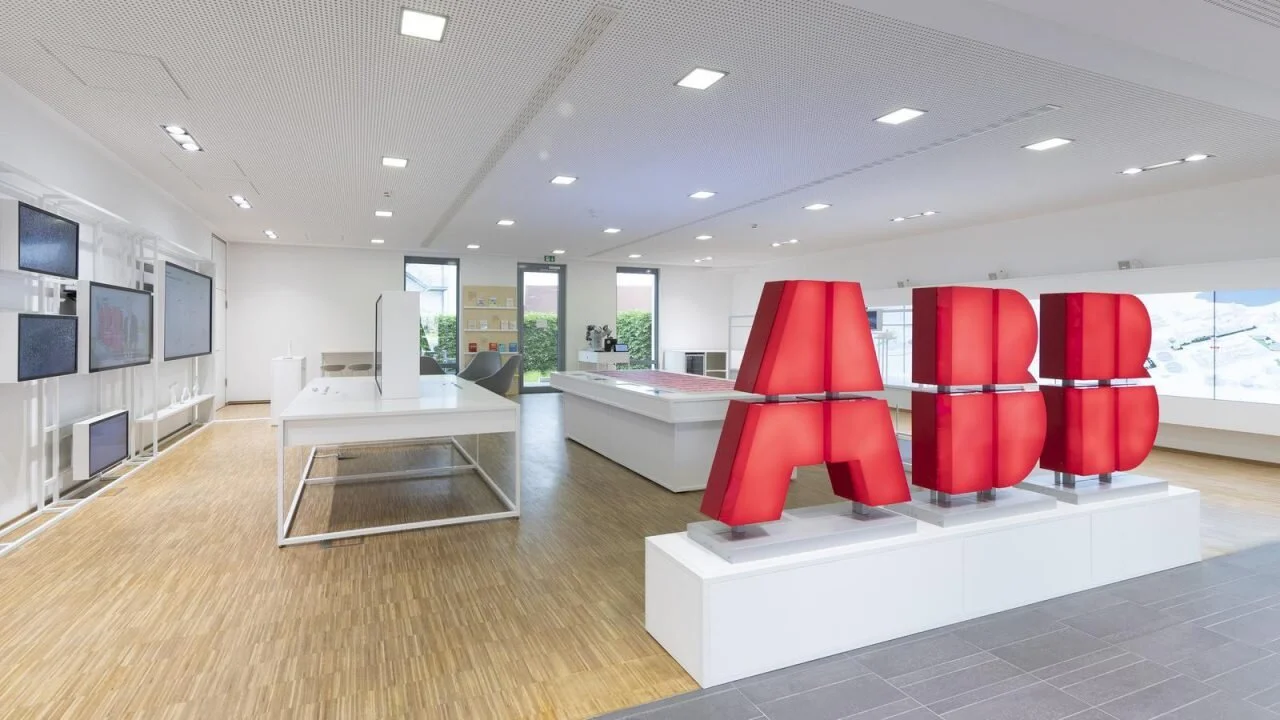
At Local Projects, I was part of a team that created a suite of experiences for ABB, a global technology company. ABB’s Global Customer Experience & Innovation team sought to design a modular customer experience center that could be deployed in various cities around the world. These experience centers would showcase ABB’s offerings to their clients in artistic and delightful ways. I specifically worked on two iOS-based Augmented Reality applications for this concept. Together with my colleagues, we installed the first iteration of this concept at ABB’s Corporate Research Center in Ladenberg, Germany.
Below are the two exhibits I worked most on in the experience center. Both are AR experiences that offer novel, physical ways to explore client content.
Smart Pucks + AR App
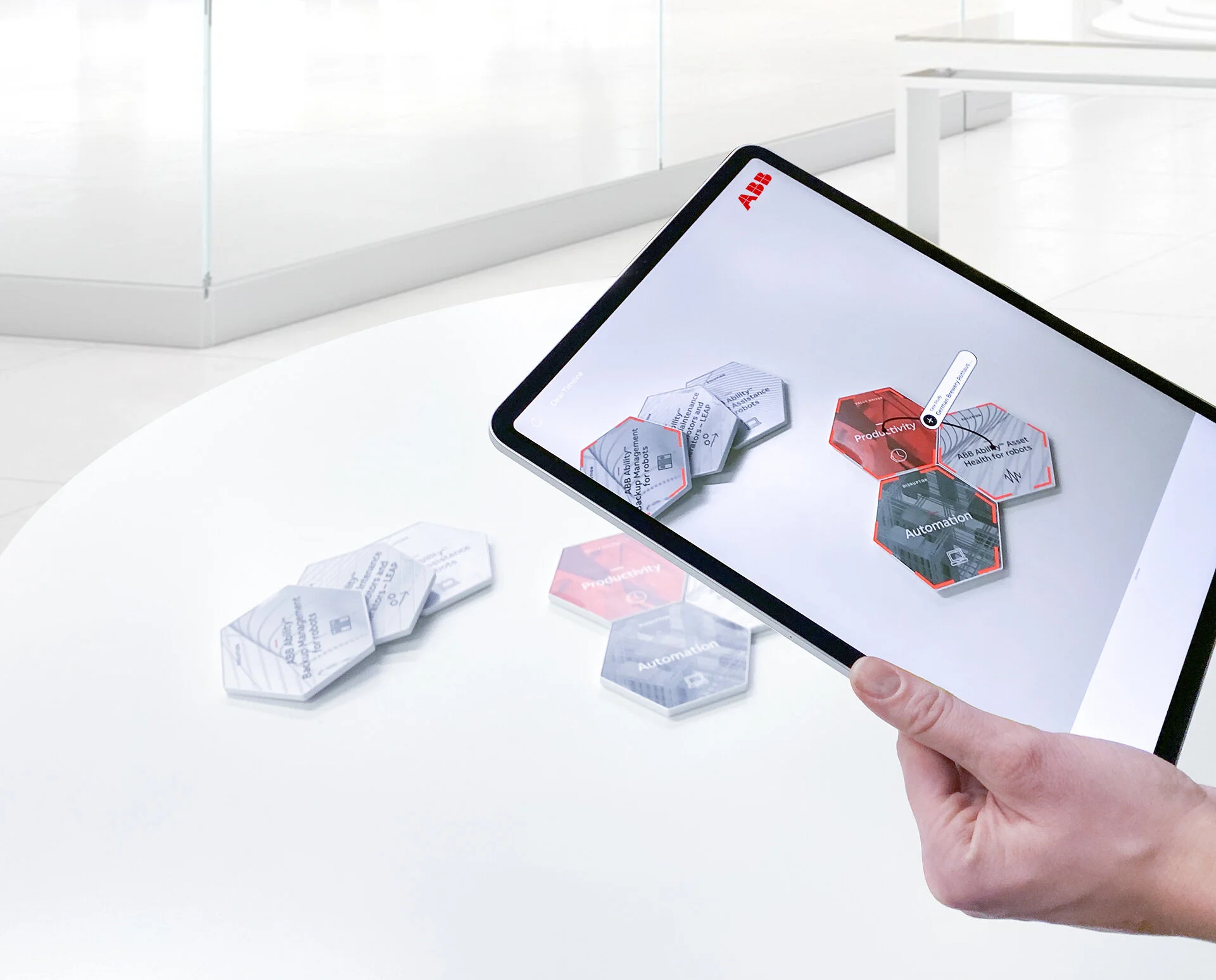
Smart Pucks are 3D-printed, magnetic tiles designed to encourage ideation and collaboration between ABB and their clients. Each puck contains a category—Solutions, Value Drivers, Disruptors—and a label. Solutions are simply products (software, hardware, services) offered by ABB. Value Drivers and Disruptors are higher-level business concepts meant to help reframe and kickstart ways to combine Solutions and create novel business solutions. For example, a Solution puck that has something like “ABB Condition Monitoring for LV Motors” could be combined with the Value Driver puck “Availability”.
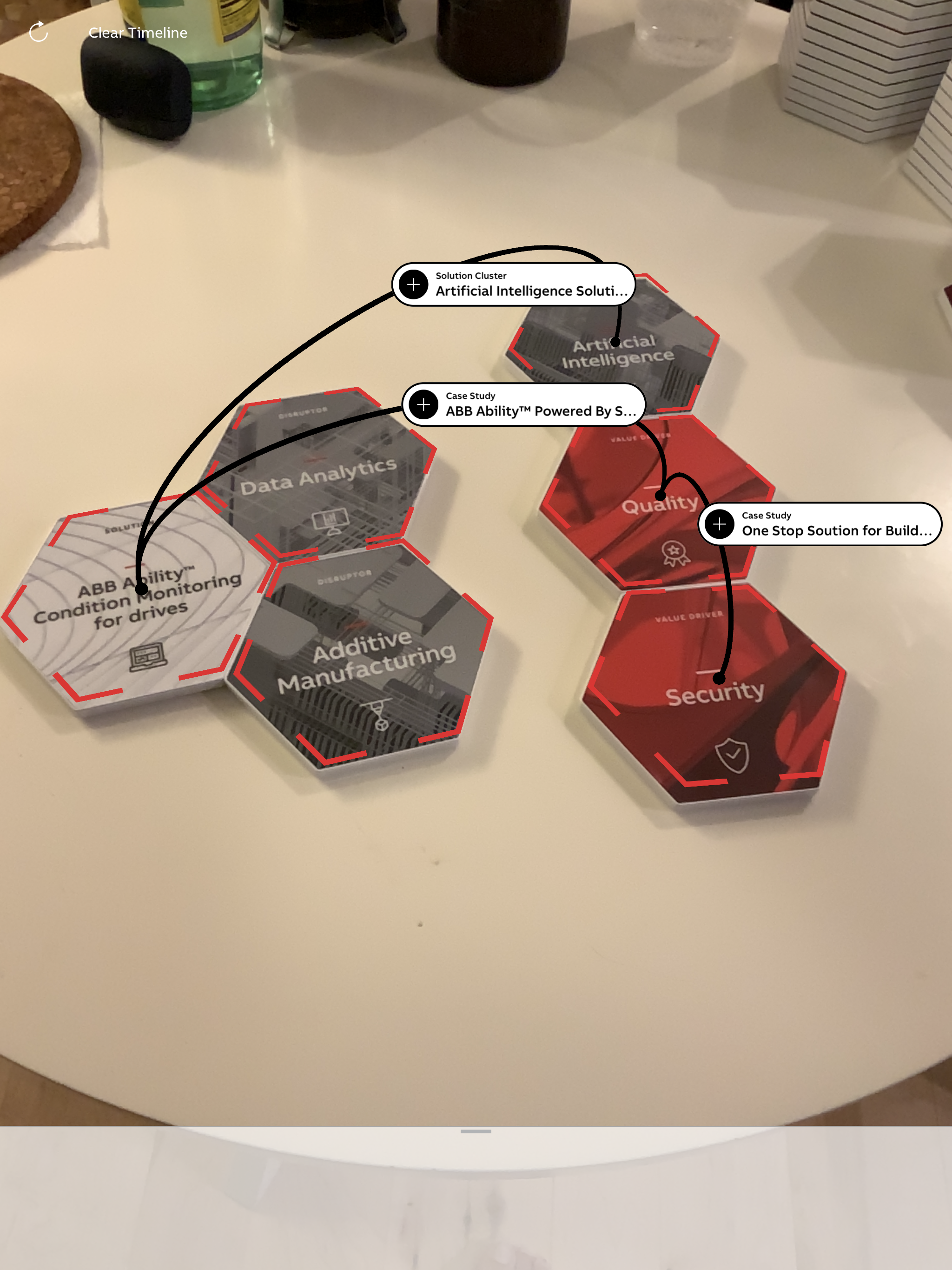
The Smart Pucks are a useful tool on their own, but they take on enhanced functionality when combined with the AR App. The AR App scans your array of pucks and adds a few layers of interaction and information. Pucks can be individually tapped on to bring up summaries and white papers related to each puck’s content. Visitors can then save pucks of interest onto a timeline to be exported at the end of the visit into a pdf. Special combinations of pucks become connected in AR space with an arc, further jumpstarting the ideation process by showing pre-made combinations and case studies.
Smart Puck Design
To be recognized properly by the AR App as an image target, each Smart Puck design needed to be rich with enough feature points so that each of the 60+ pucks could be consistently and accurately identified by ARKit. In general, computer vision algorithms look for feature points to identify image targets. Feature points occur where there is an abrupt change in image data—like at a corner of an object in an image. Feature points also need to be irregularly placed to ensure a unique set of features across the image sets.
We ended up conducting multiple rounds of image target design experimentation until we arrived at something that ARKit was happy with. The strategy we eventually arrived at was making a collage of three or four generative designs overlaid over each other, which created lots of “corners” and irregularly placed features. This created a huge (8k x 8k resolution!) image that we chopped into hexagons. This served as the background, at which point we overlaid text and iconography. Check the images below for a “good” and “not-so-good” example of our experimentation. We found it more successful to use the text + icons as part of the AR image target, since it generated even more features and precluded us from having to do OCR.

A good collage that is rich with potential feature points. This is the collage we used for our “Solution” pucks.

A not-so-good image for feature detection. Notice the large swaths of flat color or smooth gradients, and the lack of corners.
AR App Functionality
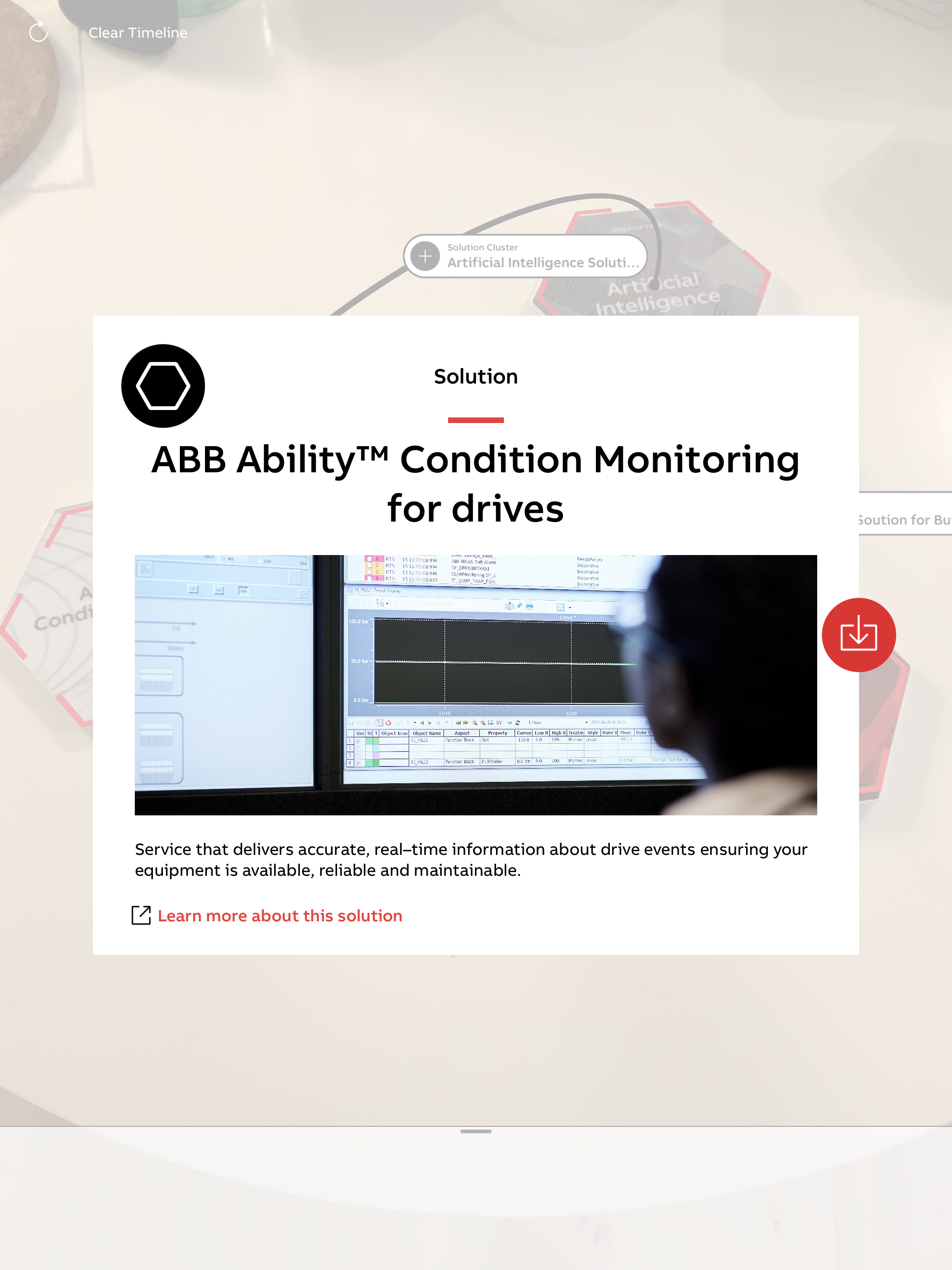
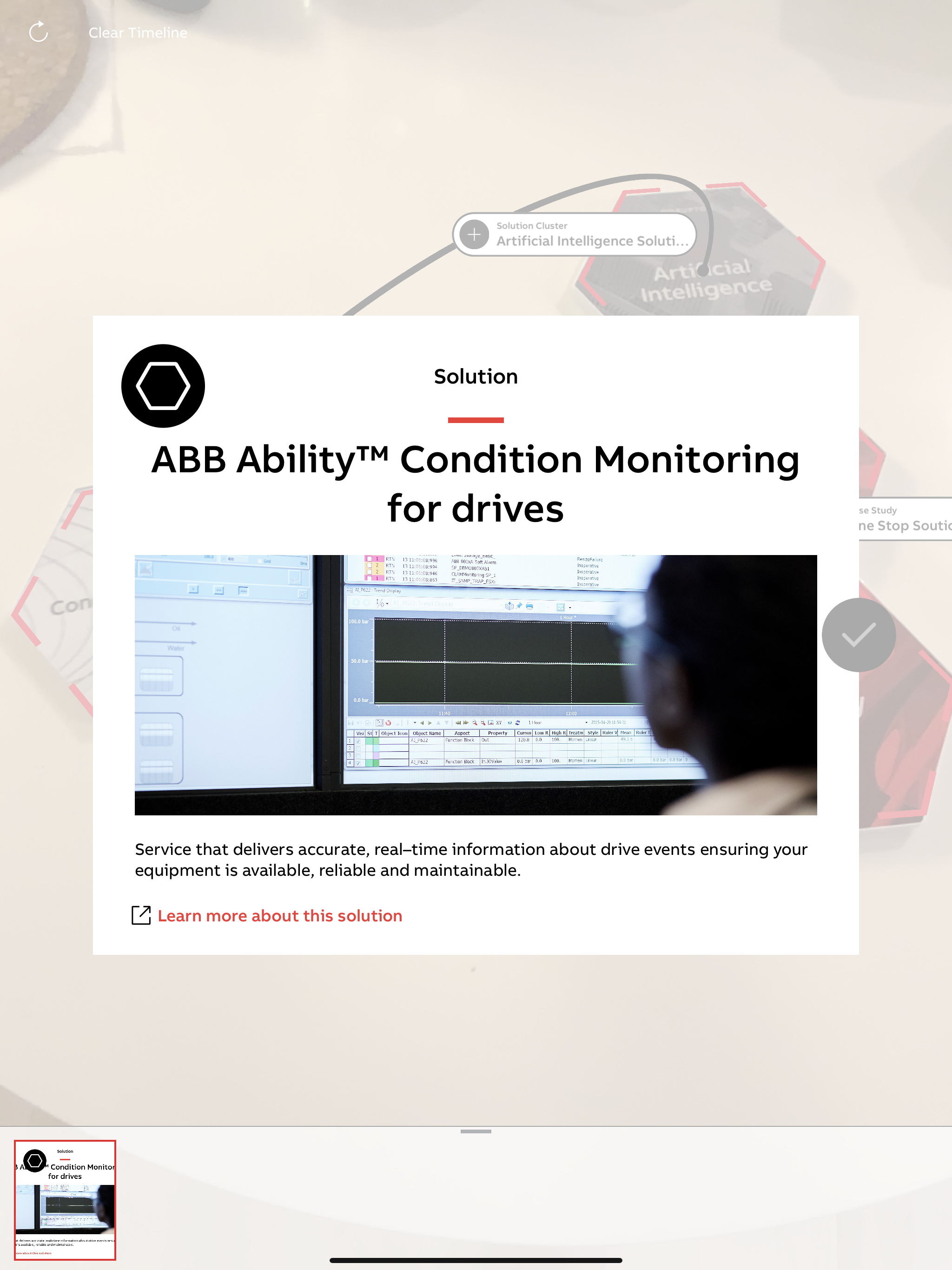
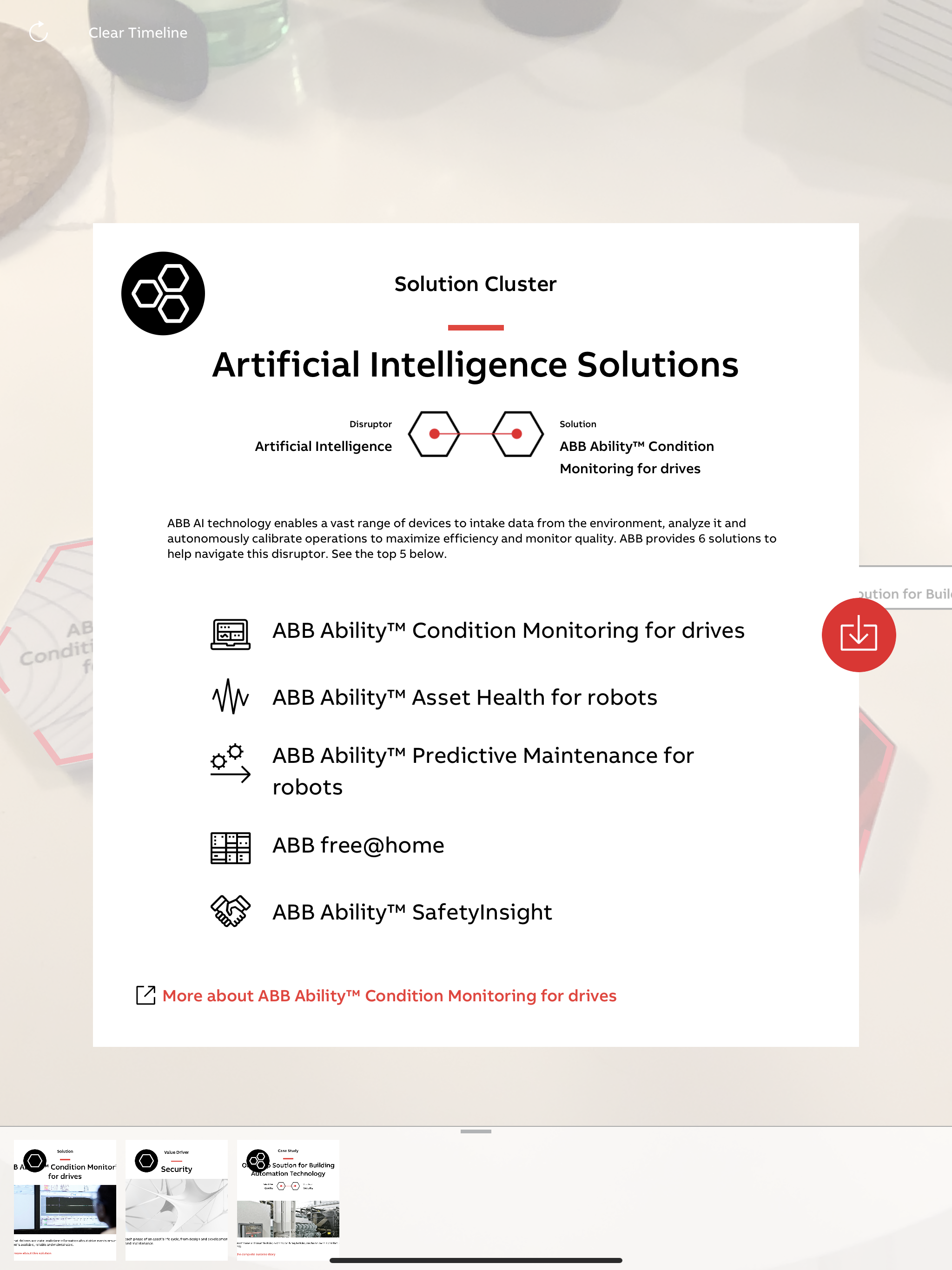
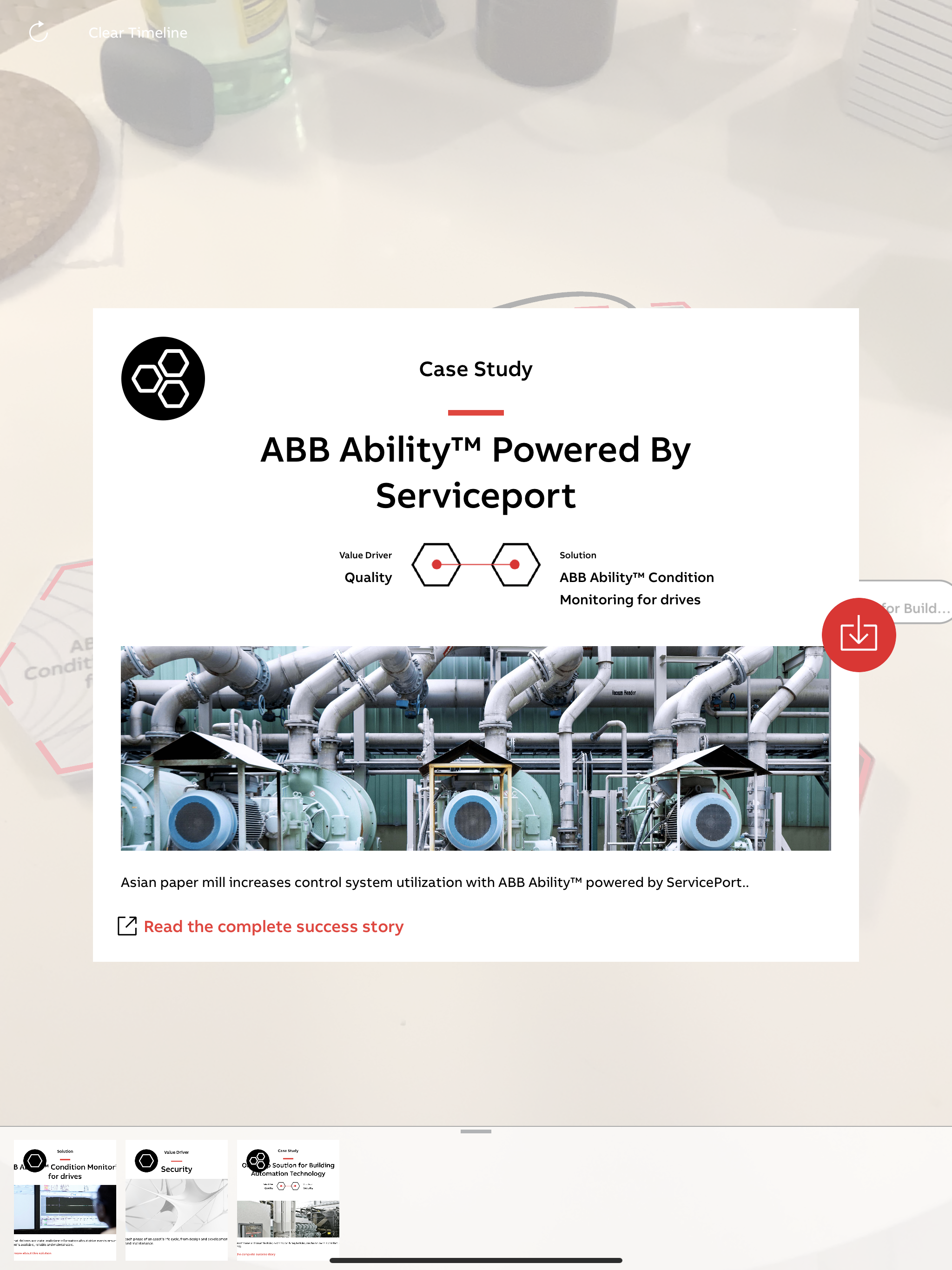
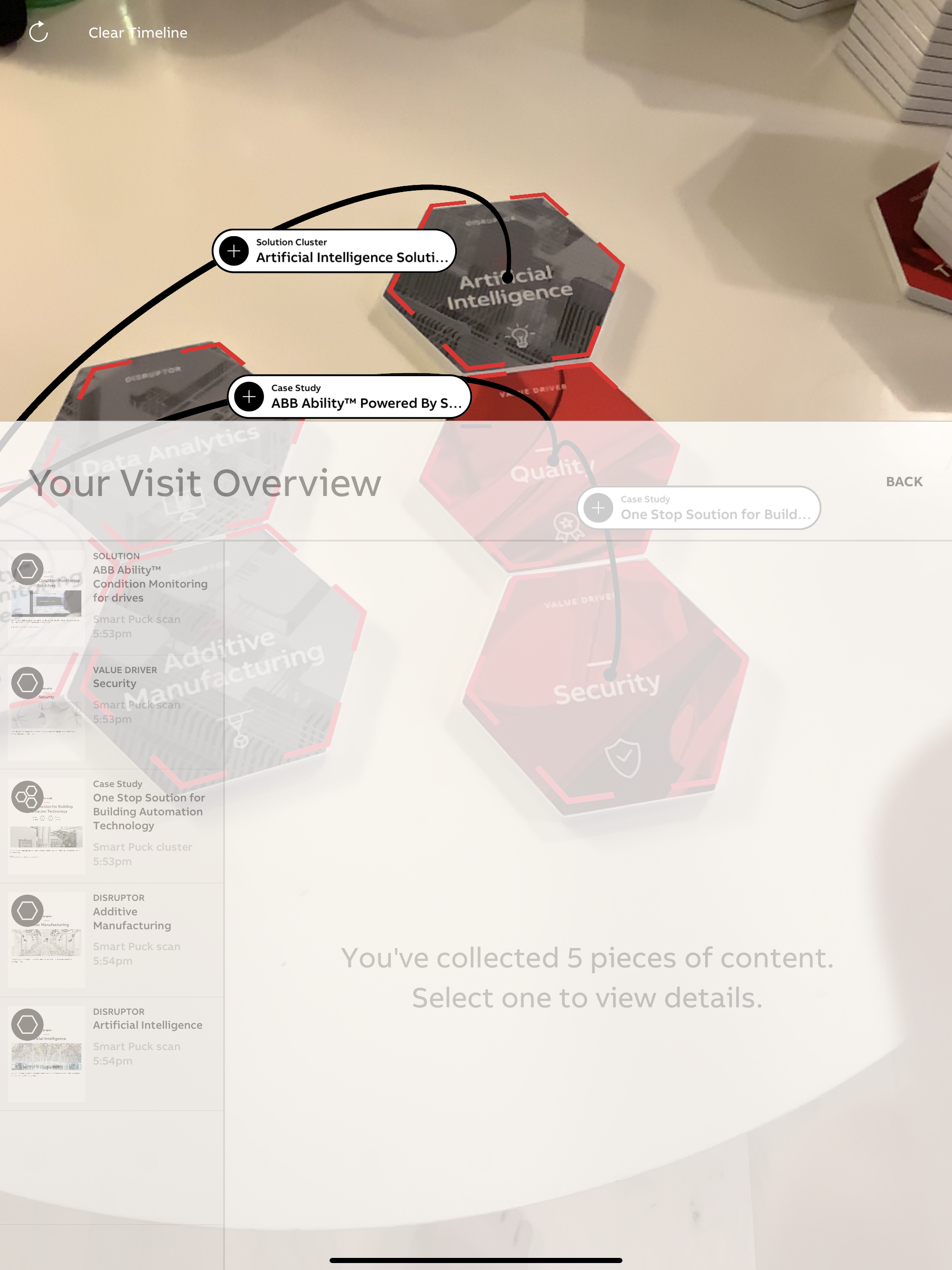
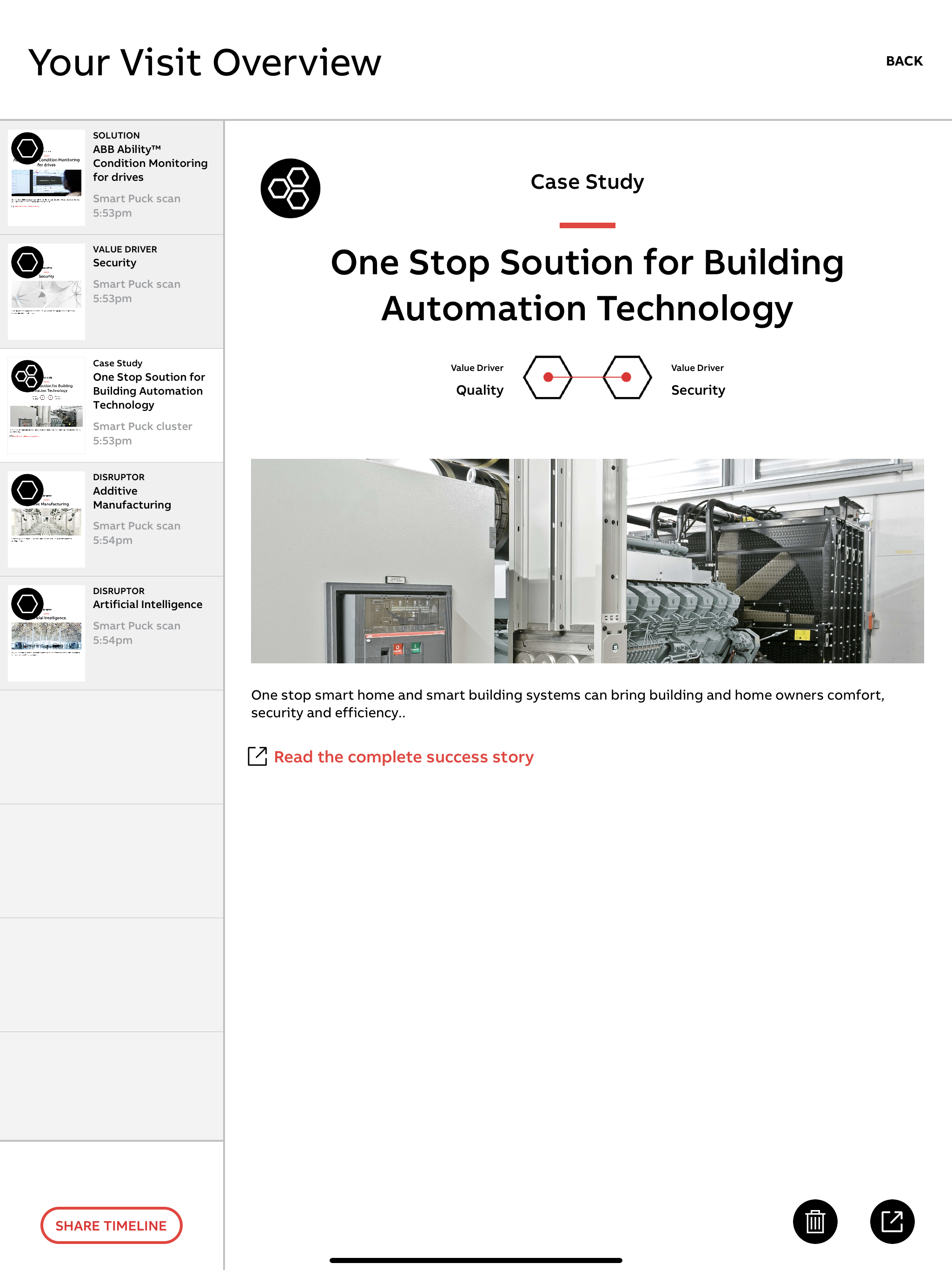
The app experience is centered on an AR window in which a visitor scans pucks. When the application successfully detects a puck, a dashed overlay appears over the puck in AR space. Tapping this overlay reveals a detail view, the design of which depends on the type of puck (Solution, Value Driver, or Disruptor). Each detail view has a slightly different design, but they all have a small blurb about the puck’s content as well as a web link to learn more. Particularly interesting pucks can be saved to the Timeline to be viewed and taken home. In addition to individual pucks, special combinations of pucks are indicated by an arc and bubble drawn between them. Clicking on one of these bubbles shows two additional detail types: “Solution Cluster” and “Case Study”.
At any point, the Timeline can be dragged upwards, revealing all of the content the visitor has collected thus far. This collection serves as an overview of the visit from the perspective of ABB offerings. At the end of a visit, users can share their Timeline via email, text, or Airdrop to take it with them.
Augmented Reality Track
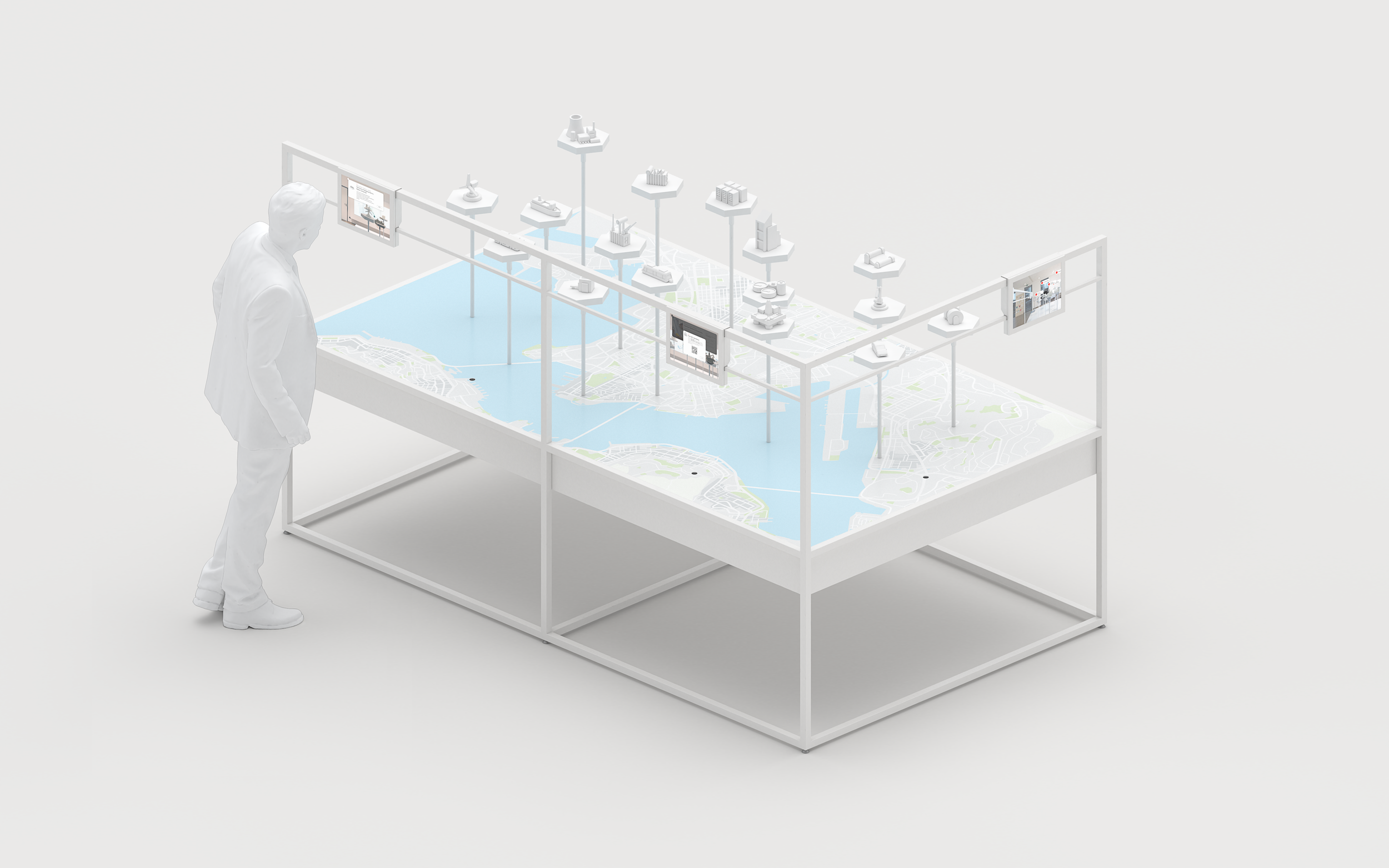
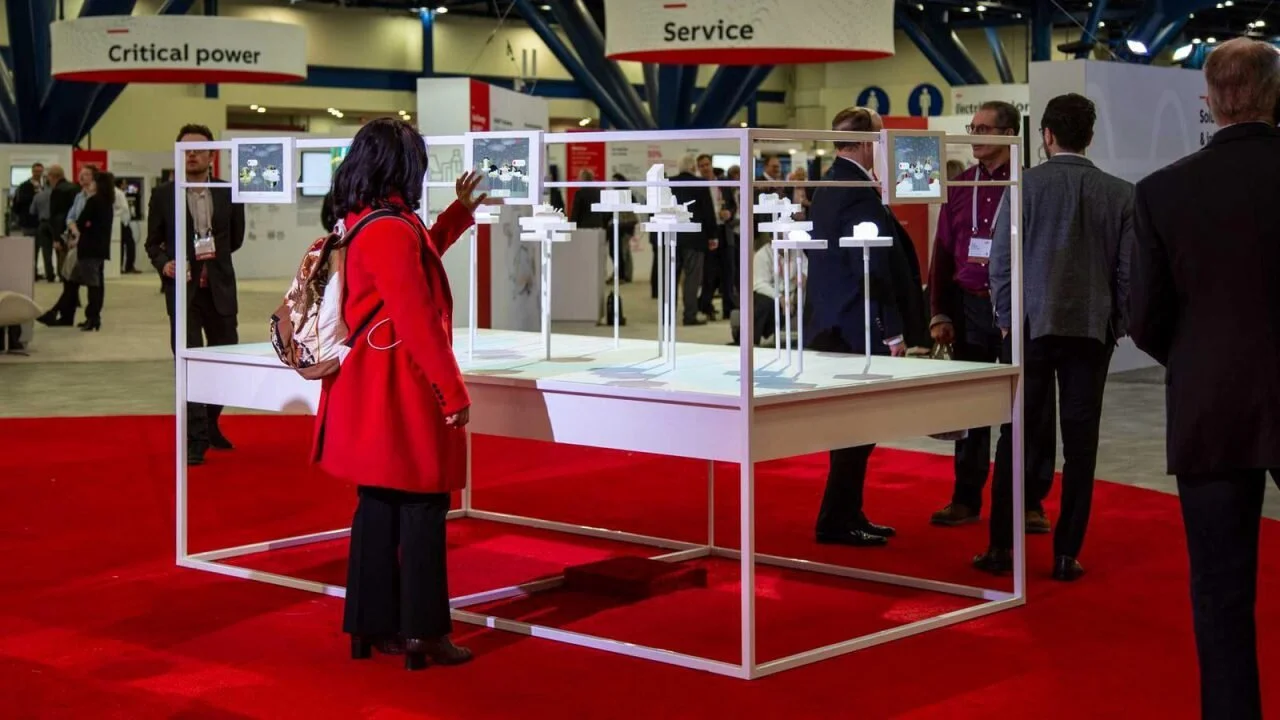
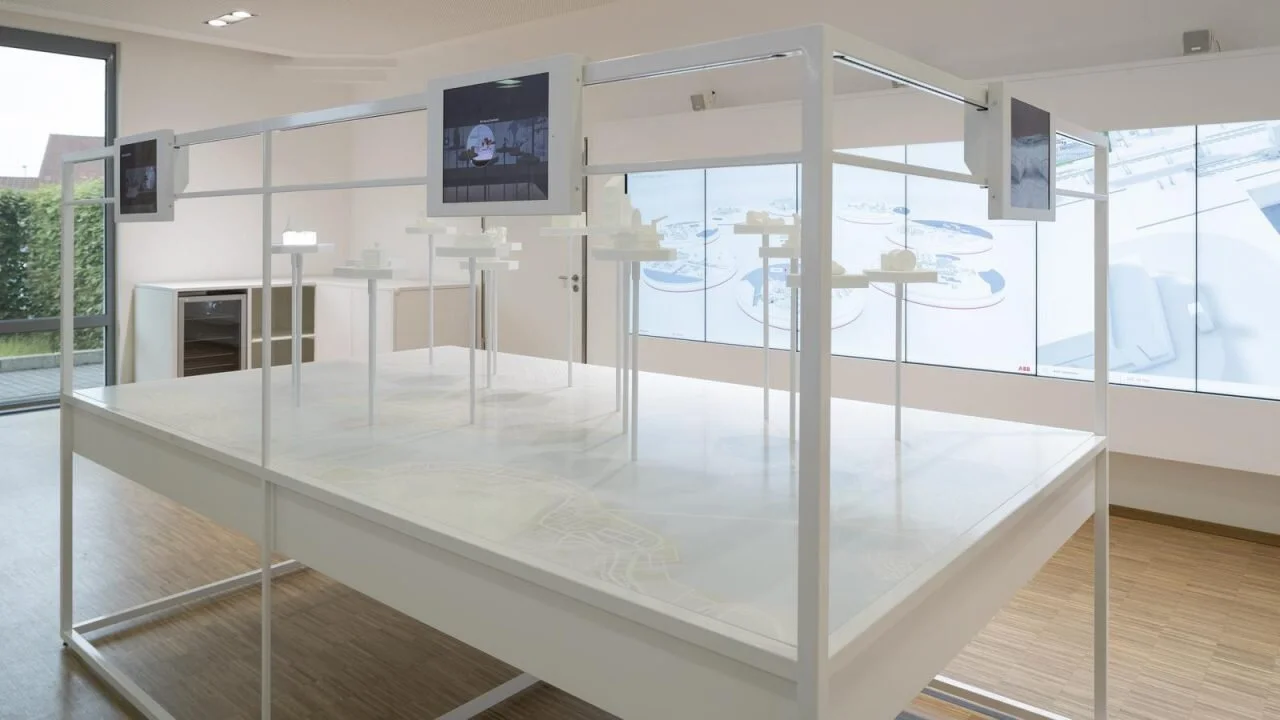
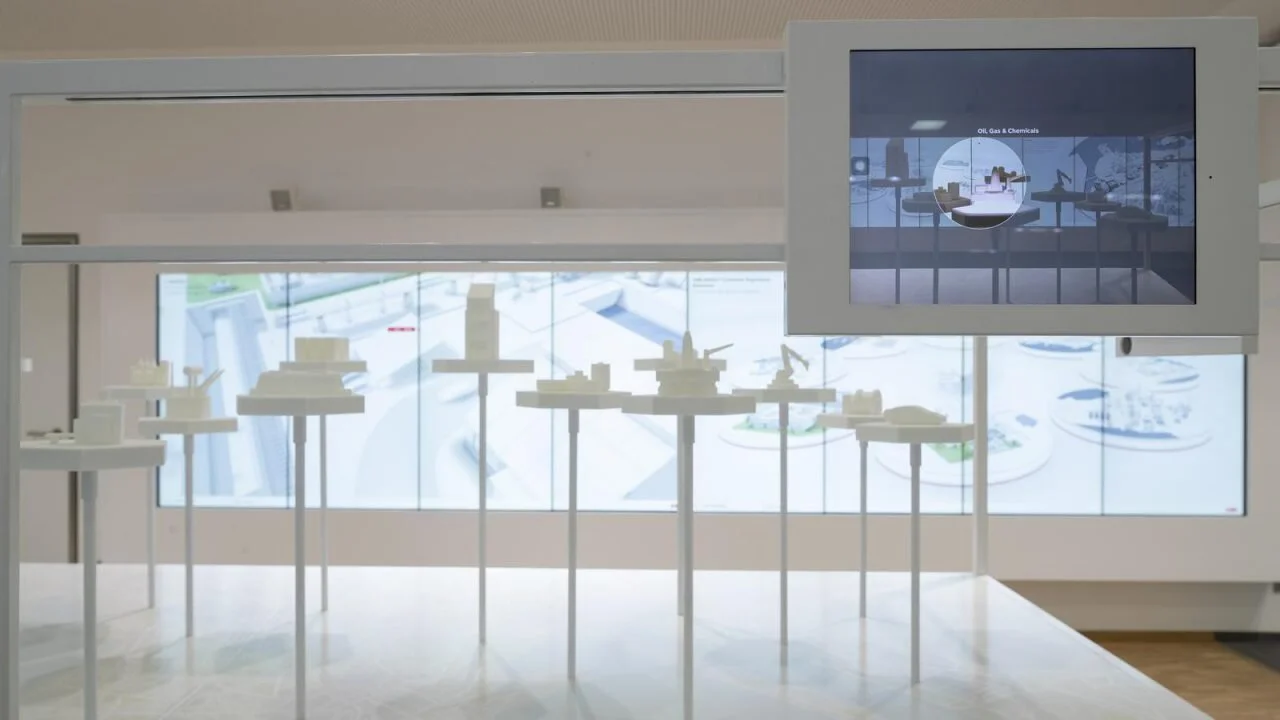
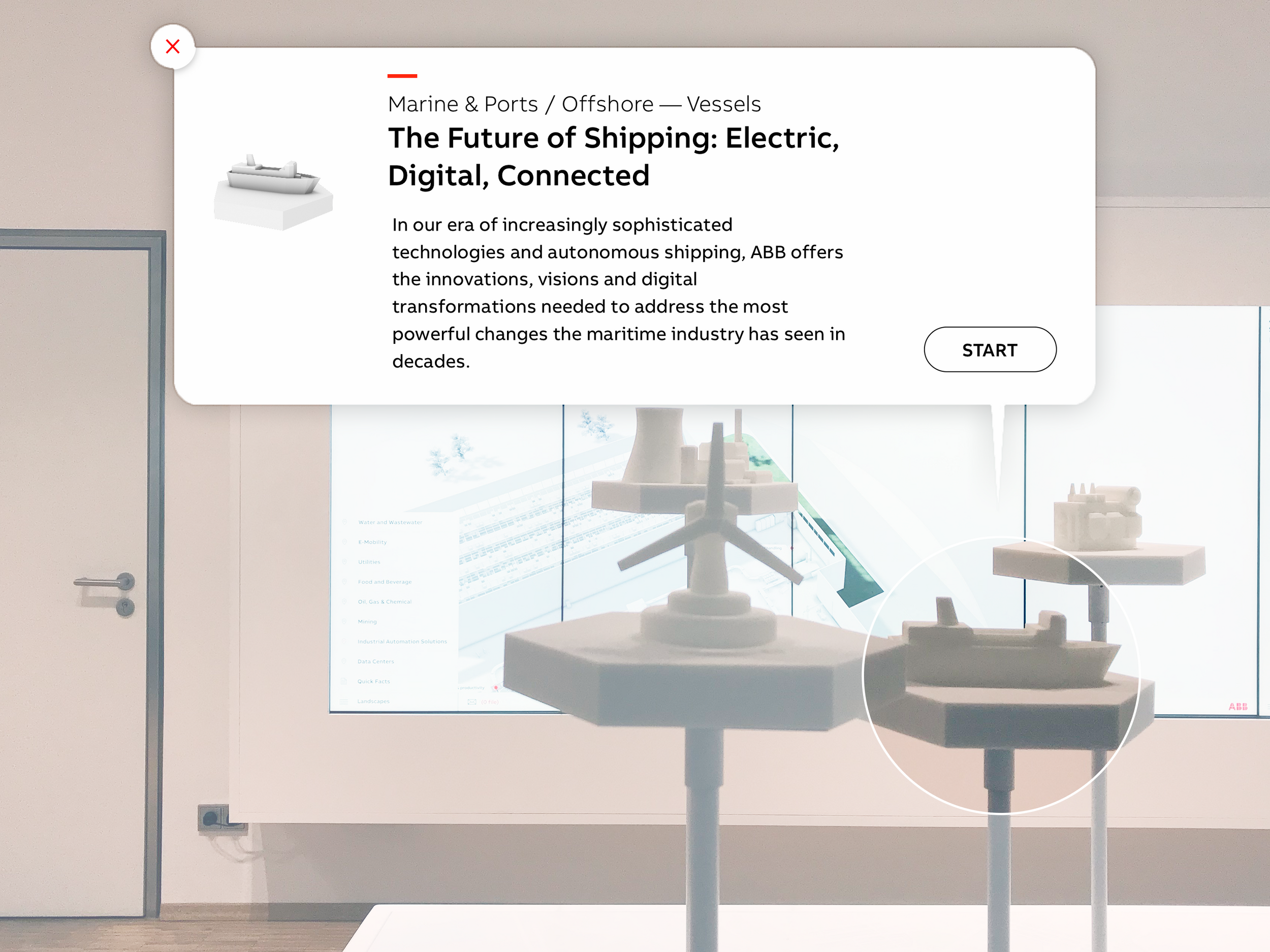
The “Augmented Reality Track” is a hybrid sculpture and AR application. Sixteen 3D-printed sculptures are elevated onto pedestals spread across a table. These sculptures correspond with various sub-businesses and industries under ABB’s umbrella. This is all situated in view of three iPads, each of which is on a sliding track and running an AR application. By tapping on sculptures within a window’s view, Visitors can use the application to explore each industry tied to a sculpture and deep dive into case studies. The app uses ARKit, SceneKit, and UIKit as the underlying technologies.
Version 1
We developed multiple iterations of the AR app, all with different elaborations on the same concept. Early versions the app had a simple mapping of sculptures to case studies. For example, tapping on the “Robot Arm” sculpture brought up a description of the robot arms that ABB actually sells and how they’re used in manufacturing. Tap again on that description, and you were brought to a swipeable list of case studies. Each case study had a QR code that visitors could use to take that solution with them by opening a link on their phone. This version is demonstrated by the video “ABB Augmented Reality Track Version 1” embedded above.
Version 2
The eventual final version of the app had a brighter, richer UI that gives way more detail about each of ABB’s customer segments. Instead of a simple mapping of industries to case studies, each industry features a set of “value drivers”—basically an innovative concept within that particular industry. Each of these value drivers is paired with a description, an image, and another set of more specific case studies (using basically the same QR code UX pattern as before). This version if demonstrated by the video “ABB Augmented Reality Track Version 2” embedded to the left.